Full site index for AI agents: llms.txt. Every page is also available as Markdown: replace the trailing slash with .md, so /pricing/ becomes /pricing.md. Or send the header Accept: text/markdown to the page URL itself.
Simpler, more seamless cookie consent for Shopify stores.
WordPress powers nearly half of the websites on the Internet. It uses cookies to make websites function smoothly and improve user experience. They remember user sessions, save preferences, and support features like logins, comments, and shopping carts. But some cookies also track visitor behaviour or collect personal data, which brings them under laws such as the GDPR, ePrivacy Directive, and CCPA.
To stay compliant, every site owner must ensure WordPress cookie compliance. This guide walks you through the essentials of cookie compliance for WordPress websites, from understanding cookie laws to implementing the right tools.
What are WordPress cookies and why do they matter?
Cookies are small text files stored on a user’s browser when they visit a website.
Like any modern site, WordPress also uses cookies to remember login details, personalise the admin dashboard, save commenter information, and keep track of user preferences.
Type of Cookie
Purpose
Essential cookies
Enable core site functions like logging in, maintaining sessions, or saving cart items in WooCommerce.
Analytics cookies
Track visitor activity on your site, including page views and duration, to enhance performance.
Functional cookies
Remember user preferences such as language, theme, or layout choices.
Advertising cookies
Personalise ads and measure their effectiveness across different platforms.
Beyond core functionality, cookies are also used by third-party plugins, analytics tools, and marketing platforms.
While WordPress cookies enhance usability, many of them, especially analytics and marketing cookies, collect personal data like IP addresses or browsing patterns. This makes them subject to data privacy laws such as the EU’s General Data Protection Regulation (GDPR) and the California Consumer Privacy Act (CCPA).
These regulations classify cookies and similar tracking technologies as personal data, meaning you must:
Disclose their use clearly in a cookie policy,
Obtain explicit consent before setting non-essential cookies, and
Allow users to manage or withdraw that consent easily.
In short, WordPress cookies matter because they power your site, but how you handle them determines whether your website stays compliant, transparent, and privacy-friendly.
Legal requirements for cookie consent on WordPress sites
Cookie consent laws apply to your WordPress website based on multiple factors, including where your organisation operates and the regions your website targets. Each regulation sets its own standards for how cookies should be disclosed, collected, and managed.
GDPR (European Union)
The General Data Protection Regulation (GDPR) is the most influential privacy law worldwide. It requires explicit, prior consent before setting any non-essential cookies, such as analytics or advertising cookies.
GDPR applies to any organisation that processes the personal data of individuals located in the European Union, regardless of where the business itself is based.
Key cookie compliance rules under GDPR:
No cookies should be set before consent (except strictly necessary ones).
Consent must be freely given, informed, specific, and unambiguous.
Users must be able to withdraw consent easily at any time.
Websites must maintain records of consent to prove compliance.
Cookie banners must be clear and accessible, with equal emphasis on “Accept All” and “Reject All.”
Often referred to as the Cookie Law, the ePrivacy Directive complements the GDPR by focusing specifically on electronic communications. It governs how cookies and similar technologies are stored and accessed on a user’s device.
Key points to note:
Consent must be obtained before setting cookies, except those strictly necessary for site operation.
Websites must clearly state the purpose of each cookie.
The Directive forms the legal foundation for cookie banners across the EU.
Although the Directive is older, it works hand in hand with GDPR, together forming the basis of cookie consent requirements in the EU.
CCPA/CPRA (California, USA)
The California Consumer Privacy Act (CCPA), strengthened by the California Privacy Rights Act (CPRA), focuses on user choice and data transparency rather than prior consent.
It applies to businesses that collect or sell the personal information of California residents and meet certain thresholds, such as annual revenue or data volume.
Here’s what California website visitors are entitled to:
A clear “Do Not Sell or Share My Personal Information” link.
Disclosure of how cookies collect and share data.
The right to opt out of data sharing for advertising or analytics.
Enhanced rights under the CPRA, such as data correction and expanded opt-out for cross-context behavioural advertising.
Recognise and honour universal/global opt-out signals.
After Brexit, the UK GDPR retained most of the EU GDPR principles but operates under UK jurisdiction.
It covers businesses and organisations that handle the personal data of people in the United Kingdom, even if the company operates outside the UK.
The cookie consent requirements remain similar:
Prior consent is required for all non-essential cookies.
Cookie banners must be user-friendly and transparent.
The Information Commissioner’s Office (ICO) recommends that users have genuine control over consent choices.
If your WordPress site targets UK visitors, ensure your banner and policy reflect the UK regulator’s guidance, not just EU rules.
Other Regional Laws
Beyond Europe and the US, many countries have enacted cookie-related privacy regulations:
Brazil’s LGPD requires prior consent for personal data collection, similar to GDPR.
Canada’s PIPEDA emphasises informed consent and transparency in tracking technologies.
Nigeria’s NDPA requires prior opt-in consent for cookies, similar to GDPR.
For global websites, it’s important to use geo-targeted consent banners that automatically adjust based on user location, ensuring you meet each region’s privacy expectations.
How to make a WordPress site cookie-compliant?
If you’re new to WordPress, think of this as your cookie compliance starter pack, everything you need to get it right from day one. And if you’re already a WordPress pro, consider it another practical addition to your WordPress resources as you run a quick compliance check-up, one factor at a time.
#1 Identify cookies on your Website
Start by scanning your website to identify which cookies are in use and why they’re there.
Your website may be using multiple cookies, from session cookies that keep users logged in, to analytics cookies that track visitor behaviour, and marketing cookies that power targeted ads. Some of these, like analytics and advertising cookies, are non-essential and require explicit user consent before being set.
Understanding which cookies you use helps you map how user data flows through your site. It also ensures that you only collect data necessary for your site’s functionality and comply with privacy laws like the GDPR or CCPA.
Running regular scans also helps detect new cookies added by plugins or third-party integrations, something that happens often on WordPress sites.
#2 Classify cookies by type
Organise cookies into categories such as necessary, analytics, or marketing. This helps users make informed choices and keeps your cookie consent banner transparent.
#3 Display a cookie consent banner
Once you’ve identified and categorised your cookies, it’s time to inform your users.
Your cookie banner is the first step toward transparency. It tells users your site uses cookies and asks for their consent before setting non-essential ones. Compliant one balances clarity, design, and user control.
A good cookie banner should:
Appear immediately when a user first visits your site.
Offer clear options like “Accept All,” “Reject All,” and “Manage Preferences,” with equal visual weight.
Avoid dark patterns or making the reject button hard to find.
Link to your cookie policy, where users can learn more about cookie types, durations, and consent withdrawal methods.
Reflect regional compliance requirements:
GDPR & ePrivacy (EU/EEA/UK): Require prior consent for all non-essential cookies, avoid pre-checked boxes, auto-block non-essential cookies before consent, and have no dark patterns or cookie walls.
CCPA/CPRA (California): Emphasise opt-out rather than prior consent, and include a “Do Not Sell or Share My Personal Information” option.
Other jurisdictions: Some, like Canada (PIPEDA) or Brazil (LGPD), expect a mix of consent and transparency.
Have a clean, accessible layout; ensure readable text, and check for mobile responsiveness.
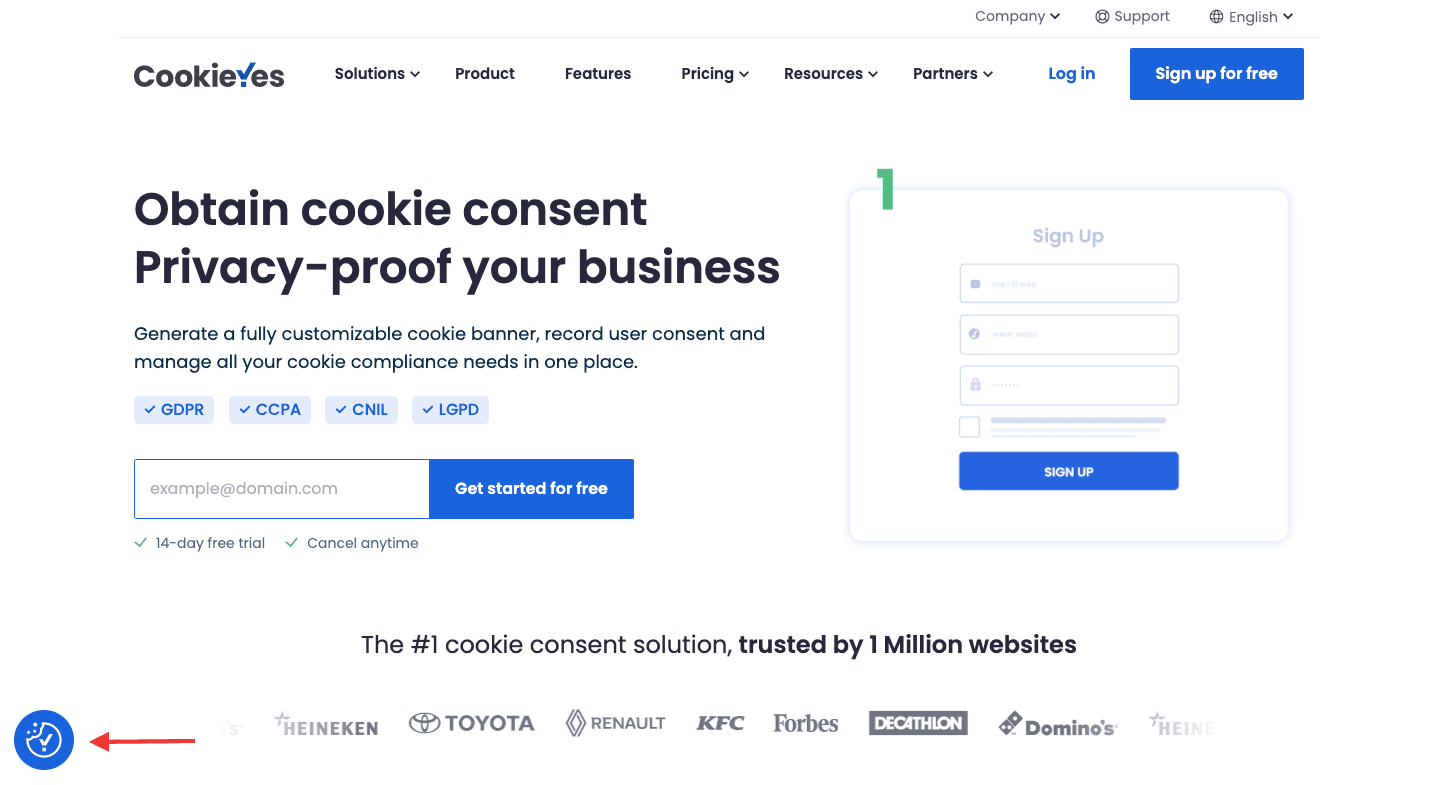
Allow users to modify or withdraw their consent anytime. An easily accessible preference centre directly allows provides transparency and strengthens compliance.
Example of a revisit widget at the bottom left
#5 Create a detailed cookie policy
A cookie policy plays a key role in your website’s transparency. It tells visitors what data you collect, how it’s used, and who you share it with.
Your cookie policy should cover:
What cookies are and why your website uses them.
Categories of cookies in use, such as essential, performance, analytics, or advertising.
Mention who sets the cookies, whether they’re first-party cookies (set by your site) or third-party cookies (from embedded content or ads).
How long each cookie remains active on a user’s device (cookie duration).
Explain how visitors can manage, modify, or delete cookies.
Disclose any integrations that process user data externally, and links to their cookie policies.
If you prefer to create one manually, start with a clear, structured format. Use plain language, avoid legal jargon, and review it regularly, especially after installing new plugins or adding third-party tools that might introduce new cookies.
#6 Record and manage consent
Under privacy laws like the GDPR, UK GDPR, and CPRA, businesses are required to maintain records of user consent, such as when it was given, what information was presented at the time, and what actions were taken. This is often referred to as the accountability principle under the GDPR.
To stay compliant, make sure your website:
Logs user consent, including timestamp, banner version, and user preference.
Keeps these records securely and makes them available for audit if requested.
Updates consent records whenever your cookie practices or privacy notices change.
#7 Stay updated with regulatory changes
Privacy laws evolve frequently. Regularly review your cookie policy and consent practices to ensure ongoing compliance.
CookieYes: Best plugin for WordPress cookie compliance
CookieYes helps website owners make their WordPress sites cookie-compliant with global privacy laws like the GDPR, CCPA, and LGPD, without any coding or legal complexity. It scans your site, detects cookies, and manages user consent through a clear, customisable banner that adapts to regional requirements.
Key CookieYes features that simplify compliance
Cookie scans
Instantly scans your website for cookies in one-click.
Identifies all cookies used on your site and classifies them as essential, analytics, marketing, etc.
Schedules periodic automated scans for cookies.
Cookie consent banner
Choose your layout, theme, and colours to match your website.
Ensure regional compliance for GDPR, CCPA, LGPD and more.
Translations in 30+ languages and multi-lingual compatibility.
Smart geo-targeting for regional compliance, showing EU-style consent pop-ups to European visitors and opt-out banners to US visitors.
Automatic cookie blocking before prior consent for EU cookie compliance.
Easy integrations
Top-rated cookie consent plugin for WordPress.
Also integrates with 25 popular CMS platforms.
Compatible with Google Consent Mode v2, IAB TCF v2.3, Microsoft Consent Mode, and analytics or ad platforms.
Consent logging and version tracking
Keeps a secure record of user consent to meet legal documentation requirements.
CSV format for easy exports.
Policy generators
Generate cookie policy and privacy policy for your WordPress site.
Multi-lingual support and hassle free.
Why CookieYes stands out for WordPress users
CookieYes WordPress plugin makes cookie management simple, automated, and compliant by design. From installation to consent tracking, every feature is built to help businesses stay ahead of privacy laws and maintain user trust, with little to no technical hurdles.
With prompt and expert technical support, easy-to-understand documentation and effortless onboarding, CookieYes stands out from other Consent management platforms.
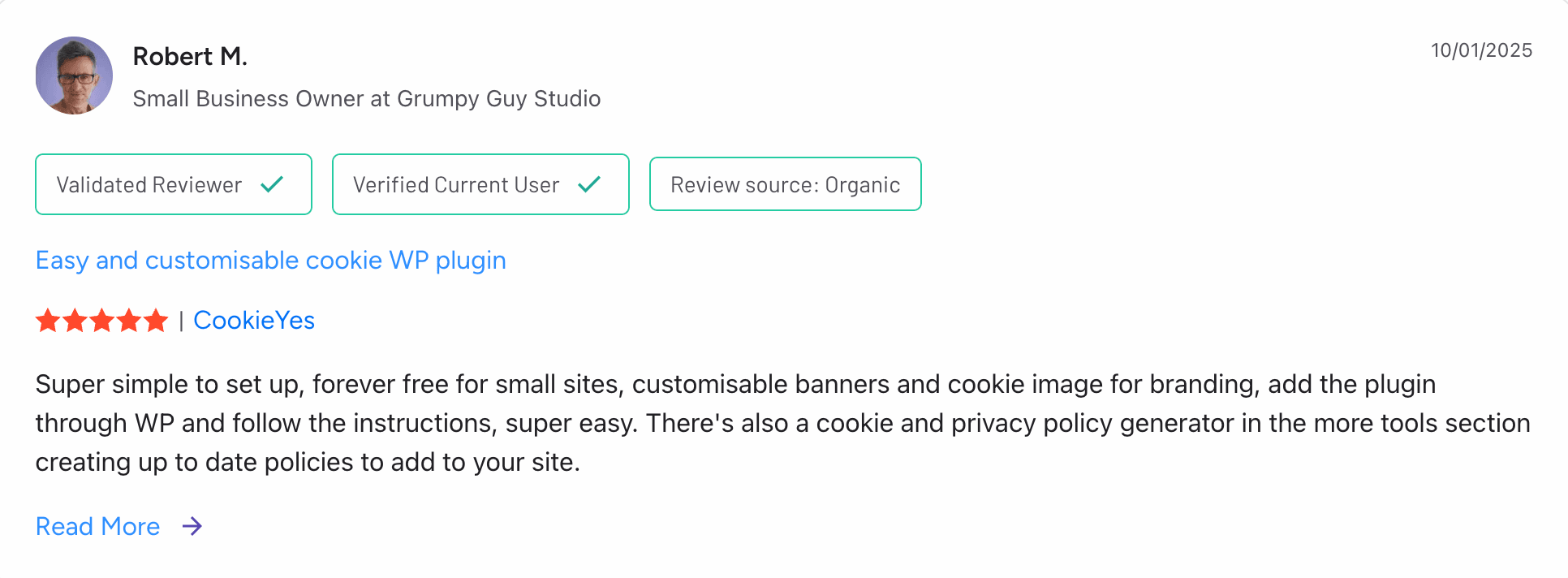
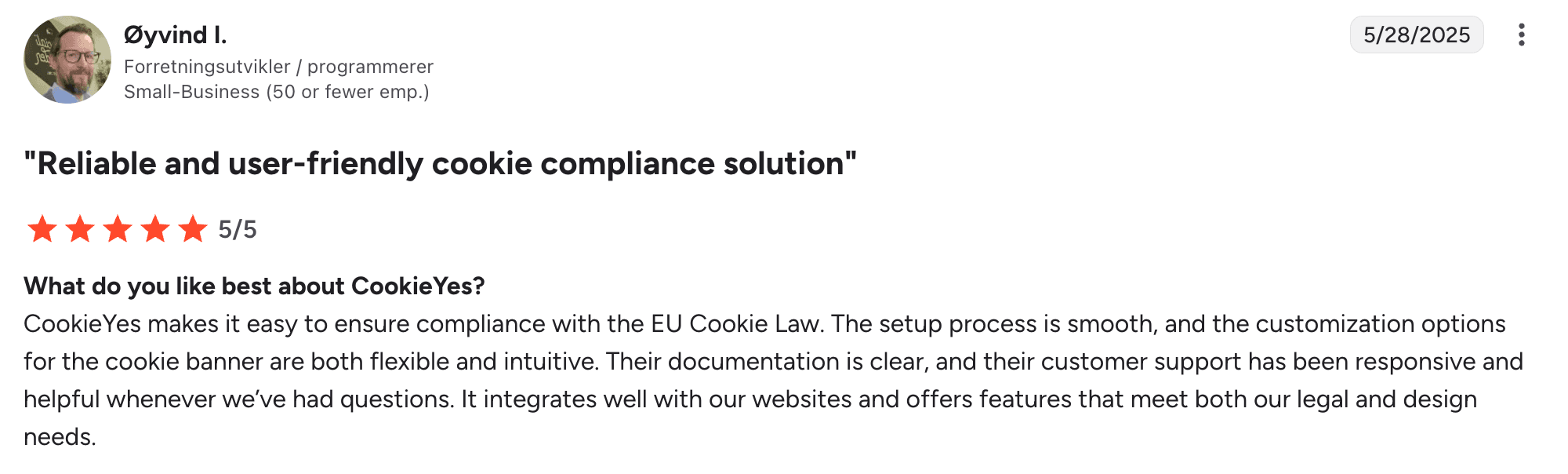
Our customers love us, and here is what they say on popular review platforms such as G2:
Cookie compliance for WordPress: Checklist
Here’s a quick checklist to help ensure your WordPress site meets the major privacy law requirements and delivers a smooth user experience everywhere.
General best practices for WordPress cookie compliance
Audit your cookies regularly.
Keep your cookie banner and policy up to date.
Link your cookie policy from your banner and footer.
Make “Accept All” and “Reject All” options equally visible; no pre-selected choices.
Provide a clear “Manage Preferences” option that lets users change consent anytime.
Store and track consent logs securely to demonstrate compliance when needed.
Test banner visibility and functionality on mobile devices and across browsers.
For EU & UK Visitors (GDPR and ePrivacy)
Obtain prior consent before placing any non-essential cookies.
Avoid setting non-essential cookies by default; they should only load after user consent.
Include a granular consent mechanism (e.g., toggles for each cookie category).
Allow easy withdrawal of consent through a visible cookie settings link.
Make sure cookie categories and policy wording are consistent with your consent banner.
Regularly review guidance from authorities like the ICO (UK) and EDPB (EU).
Avoid dark patterns to influence user choices for more consent.
For US Visitors (CCPA/CPRA and similar state laws)
Offer a visible “Do Not Sell or Share My Personal Information” link.
Include clear language about how cookies collect and share data.
Update your privacy notice to reflect cookie usage and user rights under CCPA/CPRA.
Apply opt-out banners instead of prior consent popups for US users.
Honour global opt-out signals
Pro tips for WordPress sites
Use a geo-targeted consent solution to automatically adapt banners by visitor location.
Re-scan and re-categorise cookies regularly; WordPress plugins can introduce new ones.
Keep banner design consistent with your brand, but never compromise accessibility.
Educate your team about cookie management to maintain compliance over time.
Why cookie compliance for WordPress matters
Non-compliance with cookie compliance requirements can result in fines, legal scrutiny, and loss of user trust.
But beyond compliance, transparent data practices show users that you respect their privacy, which builds credibility and strengthens your brand.
For WordPress site owners, cookie compliance might sound complex, but with the right tools, it’s straightforward. Platforms like CookieYes automate much of the process, ensuring your website stays compliant, transparent, and user-friendly.
Start by scanning your website today and take the first step towards building privacy trust with your visitors.
Ready to turn compliance into a click?
Sign up to CookieYes and manage consent on your WordPress site
Yes, WordPress automatically uses cookies, but only essential ones needed for core functionality. By default, WordPress sets login cookies to remember authenticated sessions and comment cookies to remember details like a commenter’s name and email for future use. It also sets a test cookie to check whether the browser supports cookies.
These default cookies help with user convenience and security and are considered strictly necessary, so they usually don’t require explicit consent. However, once you install additional plugins or third-party tools (like analytics, ads, or social sharing features), those can set extra cookies that do require consent under laws like GDPR.
Which WordPress cookie plugin offers automatic cookie scanning and categorisation?
With over a million active installations, CookieYes leads the WordPress plugin marketplace as the most trusted and top-rated cookie consent plugin. It offers the following:
Performs automatic cookie scanning
Delivers intelligent cookie categorisation
Updates cookie banners based on scan results
Allows scheduling of automatic cookie scans
Enables easy customisation of cookie banners
Supports multi-jurisdictional cookie compliance
Geo-targets banners to comply with regional laws
Supports consent modes including IAB TCF 2.3, Google Consent Mode v2, and Microsoft Consent Mode