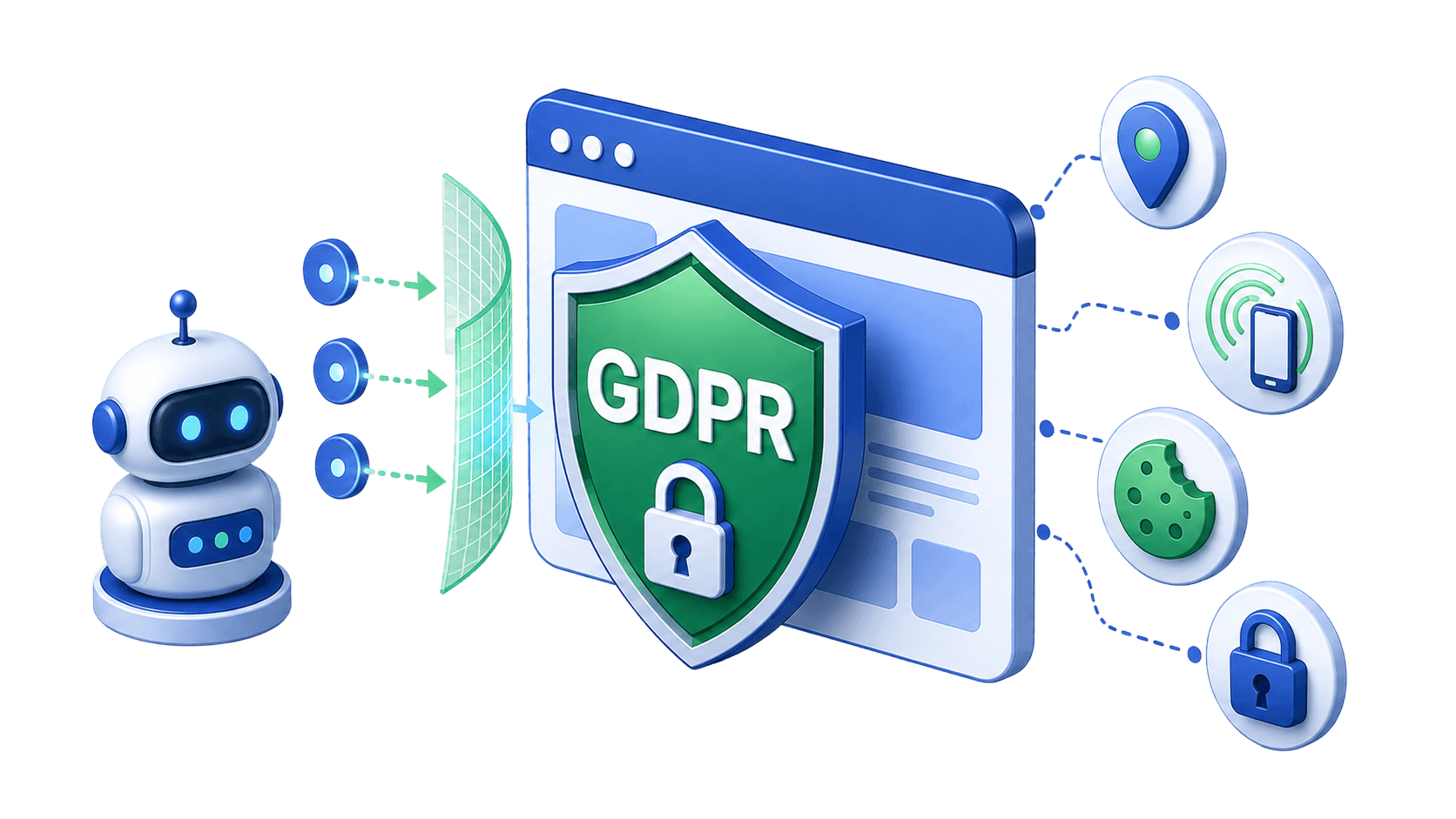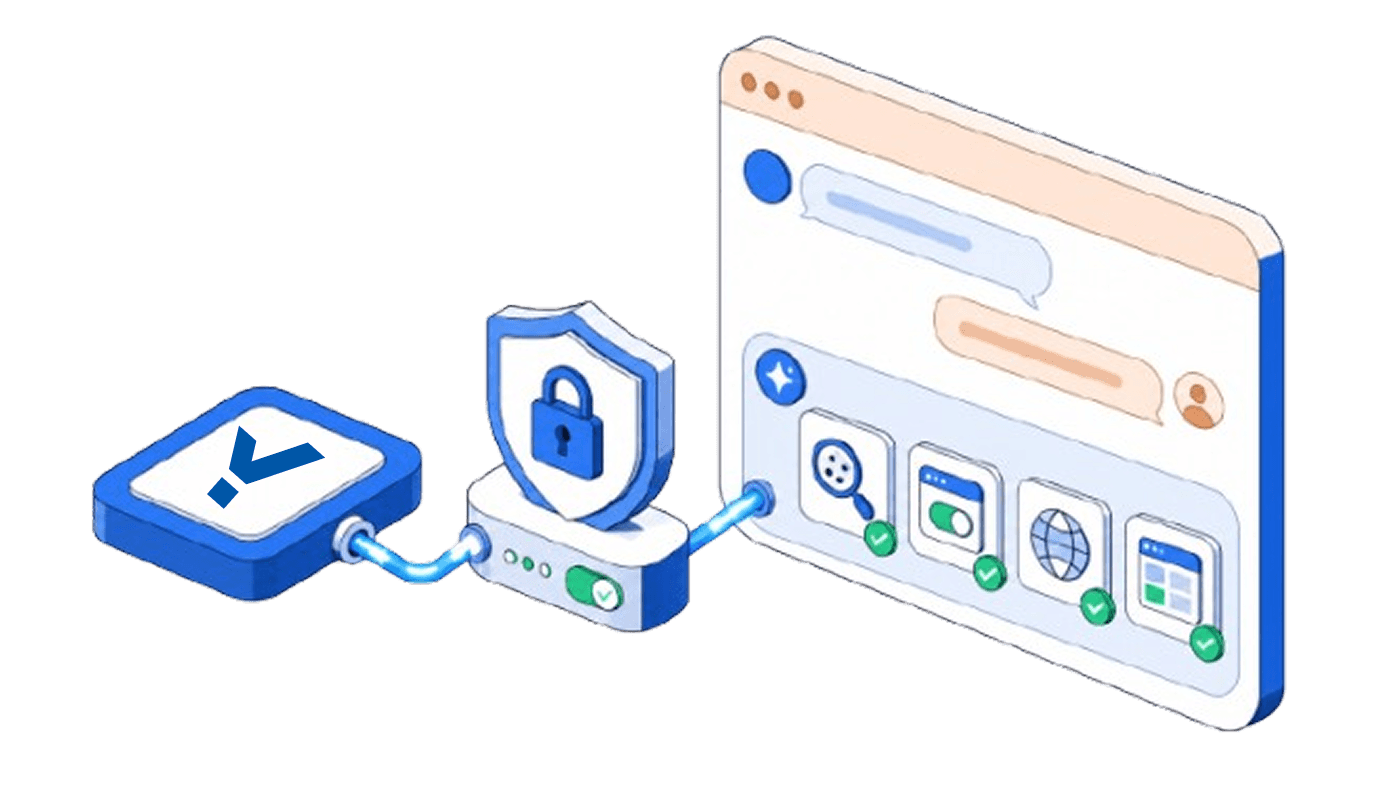
Modern websites rely on cookies to remember user preferences, analyse behaviour and support essential features. Regulatory frameworks like the General Data Protection Regulation (GDPR) and the California Consumer Privacy Act (CCPA) have made obtaining user consent a legal requirement. When organisations operate multiple domains, however, consent management becomes more complicated. Users may encounter repetitive banners on every site, and businesses must track consent records across domains. This guide explains cross-domain cookie consent, examines the legal and technical challenges, outlines implementation methods and highlights best practices. It also introduces how CookieYes can simplify consent sharing across subdomains for a better user experience.
What is cookie consent?
Cookie consent is the user’s permission for a website to store and access information through cookies. Cookies can be first-party (created by the site the user visits) or third-party (set by external services such as analytics or advertising platforms). Most privacy laws require websites to inform users about cookies and obtain their consent before loading non-essential ones.
For example, GDPR mandates that users must have a “free and informed choice”, and consent must be as easy to withdraw as it is to give.
Same-site vs cross-site cookies
A cookie’s domain attribute determines which websites can access it. If the cookie’s domain matches the site the user is visiting, it is a same-site cookie or first-party cookie. If the domain differs, it is a third-party cookie. Browsers increasingly restrict third-party cookies to protect privacy, complicating cross-domain tracking and consent sharing.
What is cross-domain cookie consent?
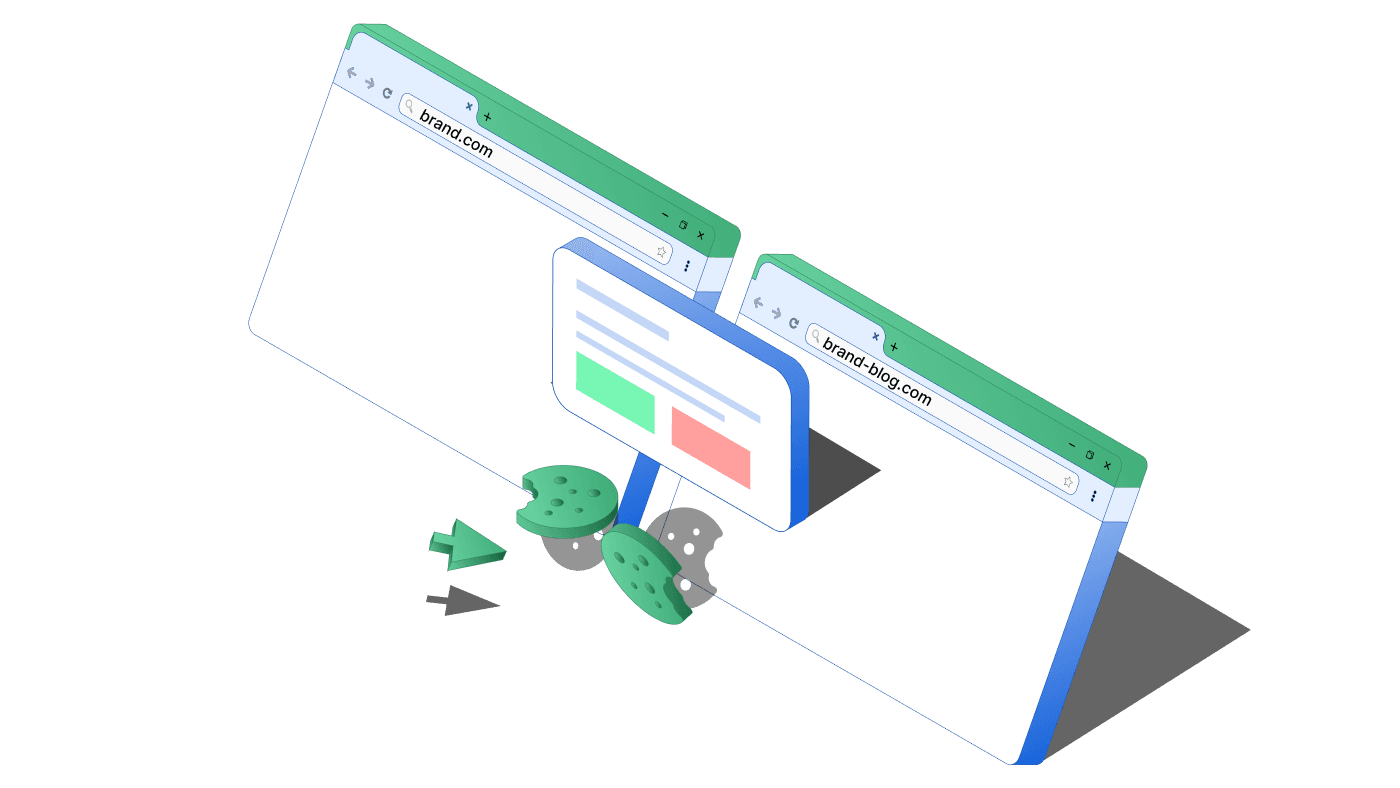
Cross-domain cookie consent means recording a user’s cookie choice once and applying it across multiple independent domains owned by the same organisation.
Imagine a retailer that runs several separate online stores: "brand.com", "brand-beauty.com", and "brand-jewellery.com". Without cross-domain consent, a shopper would face a cookie banner on each site. With cross-domain consent, the choice made on abcfashion.com could automatically apply to the others, creating a smoother experience and more consistent compliance records.
This is difficult to implement because browsers block or restrict cross-site storage, privacy laws require consent to be specific to each purpose, and users may not expect their decision on one site to apply to another.
How does cross-domain consent work?
When a user provides consent on one domain through a banner, that decision, whether it is acceptance, rejection or category-specific preferences, is stored. This can be done using cookies, local storage or API-based systems, and then made accessible to other domains in the same group.
The consent status is synchronised across domains. For example, if a visitor accepts analytics cookies on siteA.com, they will not be asked again on siteB.com or its subdomains , as long as both are linked in a shared setup.
A consent management setup usually works by:
- Grouping related domains so preferences can be shared
- Using cookies, APIs or iframes to transfer consent data
- Updating decisions in real time, so if consent is withdrawn on one site it is applied across all others
The goal is to reduce repeated prompts, provide a smoother experience and keep consent records consistent. In practice, this remains complex due to browser restrictions, strict privacy rules and the need for transparency.
Why does cross-domain consent matter?
Many organisations operate multiple websites, from regional sites to microsites, portals and blogs. Without cross-domain consent, users must respond to banners on each domain. This repetition leads to consent fatigue, increasing bounce rates and lowering conversions.
A 2025 study confirms that privacy fatigue is a major factor shaping users’ privacy behaviours.
It also creates compliance risks. A user might believe they opted out, while another domain continues to collect data. A unified consent approach improves the user experience and strengthens compliance.
What are the legal requirements for cross-domain consent?
Cross-domain consent sits at the intersection of multiple privacy laws. While the concept aims to simplify user experience, regulators are strict about how consent must be obtained and applied.
GDPR (EU and UK)
Under the GDPR, consent must be:
- Informed
- Specific
- Freely given
- Unambiguous
- Capable of withdrawal at any time
If consent is extended across domains, organisations must clearly disclose which domains are included and provide straightforward ways for users to withdraw consent across all of them. Any mismatch in cookie categories between domains can invalidate cross-domain consent.
CCPA/CPRA (California)
The California Consumer Privacy Act (and its update, the CPRA) requires transparency when personal data is shared or sold across domains. To comply, businesses must:
- Display a “Do Not Sell or Share My Personal Information” link
- Honour Global Privacy Control (GPC) signals across all domains where consent is applied
Other privacy laws
- ePrivacy Directive (EU): Requires consent for non-essential cookies, reinforcing GDPR standards.
- UK Data Protection Act 2018: Mirrors GDPR obligations within the UK.
- Canada’s PIPEDA: Requires meaningful consent before cookies can be used for tracking purposes.
- Brazil’s LGPD: Sets strict conditions for consent, requiring clear purpose limitation and the ability to revoke consent easily.
Across these frameworks, regulators emphasise that cross-domain consent is valid only if all domains involved use identical cookie categories and vendors. Otherwise, consent on one domain cannot legally cover the other.
Technical challenges and limitations
- Domain isolation: browsers restrict cookies to the domain that set them.
- Third-party cookie restrictions: Safari, Firefox and iOS block them by default; Chrome has introduced storage partitioning.
- User-side conditions: consent works only if users allow third-party cookies, disable Do Not Track, and accept preference cookies.
- Browser compatibility: protections in Safari and Firefox make cross-domain consent inconsistent.
- Privacy law restrictions: valid only if domains use identical cookie setups.
Methods for implementing cross-domain consent
There are several ways to set up cross-domain consent. The right choice depends on how many domains you manage, the complexity of your setup, and your compliance goals.
1. Subdomain consent sharing
How it works: Configure cookies on the root domain (for example, .example.com) so they are available across all subdomains.
Pros: Simple, reliable, and supported by all browsers.
Cons: Works only for subdomains, not for entirely separate domains.
2. Centralised consent API
How it works: User consent choices are stored in a central database. Each domain calls the API to apply or update the consent preference.
Pros: Works across separate domains and creates one record of truth.
Cons: Needs unique user identifiers, secure authentication, and more development effort.
3. Cross-domain synchronisation via a CMP
How it works: A Consent Management Platform (CMP) can link domains together and share consent through scripts, iframes, or a “master” domain.
Pros: Faster to set up, often updated automatically for regulatory changes.
Cons: Still limited by browser restrictions, and may rely on methods (like third-party cookies) that are increasingly constrained by browser and privacy changes.
4. Server-side consent management
How it works: Consent is stored on the server, connected to a user profile or session. The server decides whether to load cookies or scripts when a page is served.
Pros: Not affected by browser limits, very flexible and customisable.
Cons: Requires advanced back-end development and can be difficult to apply for anonymous users.
How to enable cross-domain cookie consent?
- Audit your domains and cookies: list all domains and cookies in use.
- Define consent categories: keep categories consistent across domains.
- Design a clear banner: simple wording, easy opt-in and opt-out.
- Choose your method: subdomain sharing for simple setups; CMPs, APIs or server-side for complex ones.
- Set up storage: configure root-domain cookies or encrypted consent records.
- Test thoroughly: focus on Safari, Firefox, and iOS where issues are common.
- Maintain records: store proof of when and how consent was given.
- Review regularly: rescan cookies, adjust policies, and update for new laws or browser changes.
Subdomain consent sharing with CookieYes
CookieYes supports subdomain consent sharing, ensuring that one consent choice applies across all subdomains of a site.
Benefits include:
- One banner across subdomains, reducing friction.
- Alignment with privacy law requirements.
- Simple activation through CookieYes settings.
- A seamless experience across subdomains.
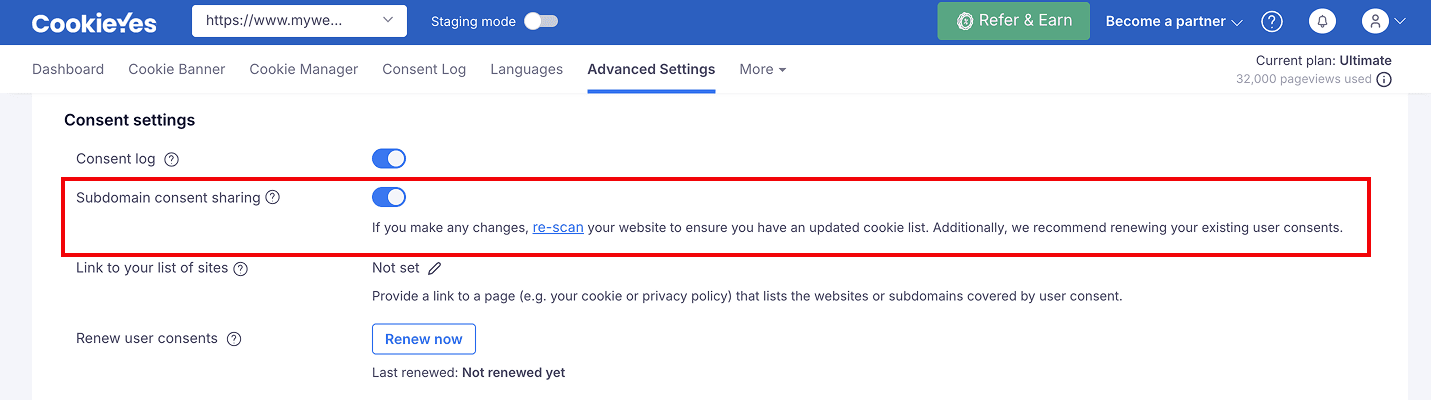
To enable subdomain consent sharing in CookieYes, log in and go to Advanced Settings from the dashboard and activate the “Subdomain consent sharing” toggle.
Stay compliant across every subdomains
Manage cookie consent, respect user choices, and keep your website aligned with global privacy laws with CookieYes
Get started for free- 14-day free trial
- Cancel anytime
Cross-domain cookie consent promises convenience but faces significant technical and legal barriers. For most organisations, subdomain consent sharing or consolidating domain structures is a more practical solution. By focusing on transparency, user control and compliance, businesses can build trust while meeting privacy obligations.
Frequently asked questions
What is meant by cross domain?
Cross domain refers to situations where two or more websites operate under different root domains, such as fashionbrand.com and beautybrand.com. These are separate from subdomains, like shop.fashionbrand.com or blog.fashionbrand.com, which belong to the same root domain. In the context of cookies, cross domain usually means sharing user consent or data across independent websites owned by the same organisation.
What do cross-site cookies mean?
Cross-site cookies, often called third-party cookies, are cookies that are set by a domain other than the one the user is currently visiting. For example, if you visit newswebsite.com and an ad from adnetwork.com places a cookie, that is a cross-site cookie. These are commonly used for tracking and advertising but are increasingly restricted by browsers to protect user privacy.
Can cookies be sent cross domain?
No, cookies cannot normally be sent across domains because browsers isolate cookies to the domain that created them. This restriction is in place for security and privacy reasons, preventing one website from automatically accessing data from another. To share consent or preferences across domains, organisations need to use alternative methods such as APIs, server-side storage or a centralised consent hub.