A cookie policy template is a structured legal document that explains what cookies a website uses, how those cookies function, what data those cookies collect, why that data is collected, how long cookies remain active, and how users can control or withdraw consent.
If your website uses cookies or other similar tracking technologies to collect and store any information about users, it is important for you to include a cookie policy on your website. As per laws like the General Data Protection Regulation (GDPR) in the EU, California Consumer Protection Act (CCPA) in the US, websites are required to inform users about their use of cookies and this can be achieved through a cookie policy.
What is a cookie policy template?
A cookie policy template is a structured format you can use to write a cookie policy for your website. A cookie policy explains what cookies your website uses, why those cookies are used, and how users can manage cookie preferences.
A cookie policy template is useful because it ensures your cookie disclosures follow a consistent structure. However, a cookie policy template still needs to be customised based on your website’s actual cookies and tracking technologies.
What must a compliant cookie policy include?
A cookie policy template must contain clear and structured disclosures about how your website uses cookies and similar tracking technologies. The purpose of a cookie policy is transparency. Users should be able to understand what data is collected, why it is collected, and how long tracking persists.
A cookie policy should be written in plain language. Legal terminology should be avoided unless it is clearly explained. Each section should describe one concept at a time.
Below is a breakdown of the essential elements of a compliant cookie policy.
| Section | What the cookie policy should include |
| Cookie definition | A clear explanation of what cookies are and how they work |
| Purpose | Specific reasons why cookies are used (e.g. analytics, security, advertising) |
| Cookie categories | Necessary (strictly necessary), functional, analytics, marketing |
| Cookie list | Cookie name, provider, purpose, and expiry duration |
| Third-party cookies | Identification of external providers that place cookies |
| Similar technologies | Disclosure of pixels, tags, web beacons, SDKs, and trackers |
| Cookie controls | How users manage, refuse, or withdraw consent |
| Last updated date | The most recent revision date of the policy |
The cookie policy template below follows this structure.
You can copy the cookie policy template below and customise it for your website.
Important: A cookie policy template provides structure. It does not automatically detect cookies. Before publishing your cookie list, run a cookie audit using a cookie scanner. Many consent management platforms (CMPs), including CookieYes, include cookie scanning and cookie categorisation.
Cookie policy template
Effective date: [Insert Date]
Last updated: [Insert Date]
This Cookie Policy explains how [Company Name] (“we”, “us”, or “our”) uses cookies and similar tracking technologies on [Website URL].
1. What are cookies?
Cookies are small text files stored on a user’s device when the user visits a website. Cookies help websites work correctly and can collect information about website usage.
Cookies may be:
- First-party cookies, set by your website
- Third-party cookies, set by external service providers
Websites may also use similar technologies such as web beacons, pixel tags, tags, and scripts.
2. Why does this website use cookies?
This website uses cookies to:
- Enable essential website functionality
- Maintain user sessions
- Analyse traffic and performance
- Deliver advertising and personalised content
Cookies may collect identifiers such as IP address, device identifiers, browser type, and referral source.
3. Cookie categories
This website uses the following cookie categories:
Necessary cookies (strictly necessary cookies)Required for website functionality and security.
Functional cookiesRemember user preferences.
Analytics cookiesMeasure user behaviour and website performance (for example, Google Analytics).
Marketing cookiesSupport targeted advertising (for example, Meta Pixel).
4. Cookie list
(Your cookie policy should include a detailed cookie list. For example:
| Cookie name | Provider | Purpose | Category | Expiry |
|---|---|---|---|---|
| _ga | Google Analytics | Distinguishes users | Analytics | 2 years |
| _gid | Google Analytics | Tracks sessions | Analytics | 24 hours |
| _fbp | Meta | Advertising and retargeting | Marketing | 3 months |
| session_id | [Website Name] | Maintains login session | Necessary | Session |
Replace this example table with the cookies identified during your cookie audit)
5. Cookie duration (session cookies vs persistent cookies)
Cookie duration explains how long a cookie remains active.
- Session cookies expire when the user closes the browser.
- Persistent cookies remain active for a defined period.
(Expiry duration should be disclosed because it affects how long tracking continues)
6. Third-party cookies and tracking technologies
Third-party providers such as Google, Meta, Microsoft, payment processors, and embedded video platforms may place cookies on your website. These providers process data under their own privacy policies.
7. How users can manage cookies
Users should be able to:
- Accept or reject cookie categories
- Modify preferences
- Withdraw consent
Many websites offer these controls through a cookie banner and a cookie preference centre.
(CookieYes, for example, supports consent withdrawal through a Revisit consent widget.)
8. Updates to this cookie policy
[Company Name] may update this Cookie Policy to reflect changes in technology, cookies used, or legal requirements.
(The “Last updated” date reflects the most recent revision)
Generate a similar cookie policy template for your website in minutes using CookieYes
- GDPR, CCPA compliant free tool
- Generate cookie policy in minutes
- Pre-built template with sample cookie policy text
- Customize and add clauses as required
- Auto-updated cookie list with each website scan
- Multilingual policy
- No PDFs or downloads, simply copy-paste the text/html
- Sample cookie policy created with the Cookie Policy Generator
A cookie policy template is a starting point. However, cookie policies often become inaccurate because cookies change frequently.
A cookie policy can become outdated when you:
- Add or remove analytics tools
- Install marketing tags
- Embed videos
- Add chat widgets
- Add payment tools
- Run A/B tests
This is why a cookie audit is recommended before publishing a cookie policy. A cookie audit identifies:
- Cookie names
- Providers
- Purposes
- Categories
- Expiry durations
A practical way to reduce these risks is to run periodic cookie audits. Many CMPs, including CookieYes, support scheduled cookie scanning so cookie lists can be reviewed and updated more consistently.
How to generate a cookie policy for my website?
A cookie policy is only accurate when it reflects the cookies actually running on your website.
Before writing or publishing a cookie policy, follow these steps.
Step 1. Audit the cookies on your website
The first step is not writing.
The first step is discovery.
You need to identify:
- Which cookies are active
- Whether they are first-party or third-party
- What purpose they serve
- How long they remain active
Cookies are often set by:
- Analytics tools (e.g., Google Analytics)
- Advertising platforms (e.g., Meta Pixel)
- Embedded content (e.g., YouTube, Vimeo)
- Chat widgets
- Payment providers
- A/B testing tools
Even small websites can load multiple third-party cookies automatically.
A cookie audit ensures your cookie policy reflects reality, not assumptions.
Many consent management platforms (CMPs), including CookieYes, include a built-in cookie scanner that detects cookies automatically. Here’s how to get started.
The scan result typically includes:
- Cookie name
- Duration
- Description
- Category
This forms the foundation of your cookie policy.
Step 2. Categorise cookies clearly
Once cookies are identified, they should be categorised into standard groups.
Common cookie categories include:
- Necessary (strictly necessary cookies)
- Functional
- Analytics
- Advertisement (marketing cookies)
Categorisation matters because consent requirements depend on cookie type. Under the GDPR, non-essential cookies require prior consent.
CookieYes automatically categorises cookies after scanning the website

A structured cookie list also makes your policy easier to understand.
In the CookieYes example above, detected cookies are automatically grouped into categories after scanning.
This ensures the cookie categories in your policy match the categories shown in your cookie banner.
Step 3: Explain how cookies are used (in plain language)
After listing cookies, your policy should explain:
- Why cookies are used
- What data may be collected
- Whether third-party providers are involved
This explanation should be clear and specific.
For example:
Instead of writing:
“Cookies improve user experience.”
Write:
“We use analytics cookies to measure website traffic and understand which pages are most visited.”
CookieYes includes editable sections such as:
- About cookies
- Use of cookies
These sections are pre-filled with structured content, but can be customised to reflect your implementation.
The key requirement is clarity.
Step 4: Provide a detailed cookie list
A compliant cookie policy should include a cookie declaration table.
Each row should stand alone and clearly describe:
- Cookie name
- Provider
- Purpose
- Category
- Expiry duration
Example structure:
| Cookie | Provider | Purpose | Category | Expiry |
|---|---|---|---|---|
| _ga | Distinguishes users | Analytics | 2 years | |
| _fbp | Meta | Advertising tracking | Marketing | 3 months |
The cookie list must reflect your latest audit.
The CookieYes generator builds this table automatically based on scan data.
Without scanning, this table must be updated manually whenever scripts change.
Step 5: Add consent withdrawal controls
Under the GDPR, consent must be as easy to withdraw as it is to give.
Your cookie policy should include:
- Instructions for changing preferences
- A link to reopen the cookie banner
- Browser-level cookie management guidance
CookieYes includes a Revisit consent widget, which allows users to reopen the consent banner and modify preferences at any time.
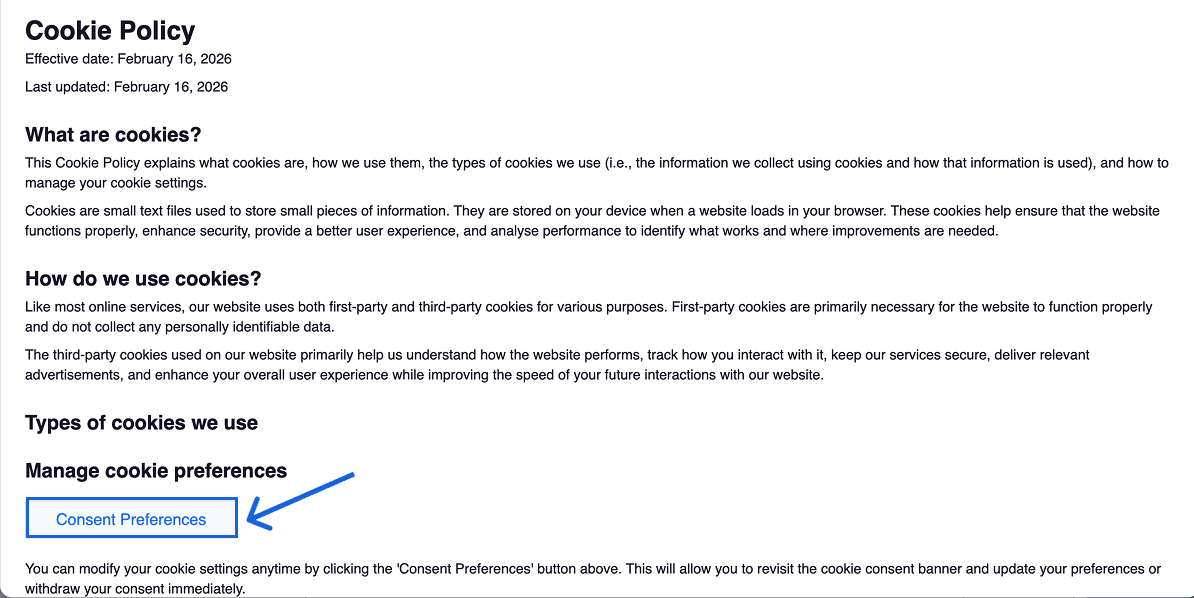
This aligns your cookie policy with your consent mechanism.
Step 6: Publish and keep it updated
After auditing, categorising, and documenting your cookies, publish the policy on a dedicated page.
Link it from:
- Your website footer
- Your cookie banner
- Your cookie preference centre
Because cookies can change over time, periodic audits are recommended.
Cookie scanners can automate this process by re-scanning and updating the cookie list when changes are detected.
Generate your cookie policy from a real scan
Scan your website, auto-generate your cookie list, and copy the policy in minutes.
Generate free cookie policyAutomatic updates14-day free trialCancel anytime
Where should you display a cookie policy?
A website cookie policy template should be accessible from every page of your website. Users should not need to create an account or navigate multiple steps to find it.
The most common placement is in the website footer. The footer typically includes links to:
- Privacy policy
- Terms of use
- Legal notice
- Cookie policy
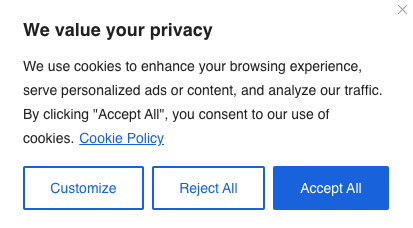
The cookie policy should also be linked from your cookie banner or cookie preference centre. Linking the cookie policy from the banner allows users to review full cookie disclosures before providing consent.
Recommended cookie policy placement
| Platform | Recommended placement |
|---|---|
| Website | Footer link visible on all pages |
| Cookie banner | Link in first layer or within preferences panel |
| Cookie preference centre | Link inside settings interface |
| Mobile app | Menu → About or Legal section |
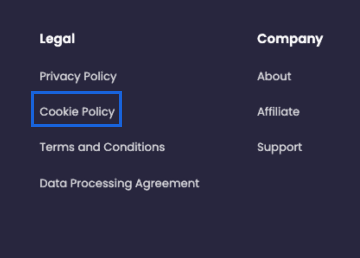
If your website operates in the EU or UK, ensuring easy access to the cookie policy supports GDPR transparency obligations.

On the mobile app, you should display your cookies policy in the menu, under the ‘About’ or ‘Legal’ sections. You can also link your website’s cookie policy on your cookie banner so users can be easily directed to the cookie policy page.

The GDPR is a European privacy law that regulates personal data processing.
The GDPR treats cookies and online identifiers as personal data when they can identify individuals directly or indirectly.
- Recital 30 notes that online identifiers such as cookies may be used to create profiles.
- Recital 26 states that information capable of identifying individuals directly or indirectly qualifies as personal data.
- Articles 13 and 14 require transparent disclosures about personal data processing in clear language.
Because cookies can qualify as personal data, websites must disclose cookie usage and explain how users can exercise their choices.
GDPR cookie consent requirement
A cookie policy template does not replace a consent mechanism.
Under GDPR and the ePrivacy Directive:
- Consent must be obtained before placing non-essential cookies.
- Consent must be freely given, specific, informed, and unambiguous.
- Users must be able to withdraw consent as easily as they gave it.
This is why many websites use a GDPR cookie consent banner and a cookie preference centre.
What a GDPR-compliant cookie policy should disclose
A GDPR cookie policy should clearly explain:
- Which cookie categories your website uses
- Why each cookie category is used
- Which third-party providers place cookies
- How long cookies remain active (expiry duration)
- How users can withdraw consent
Many CMPs, including CookieYes, help websites maintain these disclosures by generating cookie tables from cookie scan results and keeping categories aligned between the banner and cookie policy.
CCPA/CPRA cookie disclosure requirements (United States)
The CCPA defines personal information as data that identifies, relates to, describes, or can be linked to a consumer or household.
Personal information includes:
- IP address
- Cookies
- Beacons
- Pixel tags
- Mobile advertising identifiers
The CCPA does not generally require opt-in consent for cookies. Instead, it focuses on notice and consumer rights, including the right to opt out of the sale of personal information where applicable.
CPRA update: “Do Not Sell or Share”
The California Privacy Rights Act (CPRA) expanded CCPA requirements. CPRA introduced the concept of “sharing” personal information for cross-context behavioural advertising.
If your business sells or shares personal information, you may need to provide a “Do Not Sell or Share My Personal Information” link and honour opt-out requests.
What a CCPA cookie policy should include
A CCPA-aligned cookie policy should:
- Disclose cookie usage and tracking technologies
- Explain what categories of information may be collected
- Explain how users can exercise their opt-out rights
- Link to any required “Do Not Sell or Share” mechanism
Legal requirements by jurisdiction (quick reference)
| Region | Key law | Cookie disclosure required | Consent model |
|---|---|---|---|
| EU | GDPR + ePrivacy Directive | Yes | Opt-in for non-essential cookies |
| UK | UK GDPR + PECR | Yes | Opt-in for non-essential cookies |
| California (+ many other US state laws) | CCPA/CPRA | Yes | Opt-out where sale/sharing applies |
Do you need a separate cookie policy and privacy policy?
A cookie policy explains cookies and tracking technologies.
A privacy policy explains all personal data processing activities.
If your website uses cookies, you should:
- Disclose cookie usage in your privacy policy
- Maintain a standalone cookie policy for clarity
A standalone cookie policy is particularly useful for websites with users across multiple jurisdictions.
Cookie policy vs cookie banner vs privacy policy
A cookie policy, a cookie banner (cookie notice), and a privacy policy are related but distinct documents.
Each serves a different compliance function.
| Document | What it does | Where users see it |
|---|---|---|
| Cookie policy | Provides full disclosure of cookies and tracking technologies | Dedicated cookie policy page |
| Cookie banner (cookie notice) | Collects consent and provides cookie choices | Displayed on first visit |
| Privacy policy | Explains all personal data processing activities | Linked in website footer |
A cookie policy supports transparency.
A cookie banner supports consent and user control.
A privacy policy provides broader personal data processing disclosures.
More on cookie notice vs cookie policy
Many cookie policies fail because the disclosures are incomplete or outdated.
Common cookie policy mistakes include:
- Copying a cookie policy template without auditing your website
- Failing to disclose third-party cookies from embedded tools
- Listing cookie purposes in vague terms
- Missing expiry information
- Publishing a cookie policy without linking it from the cookie banner
- Not updating the cookie list after adding new scripts
A practical way to reduce these risks is to schedule periodic cookie audits. Many CMPs, including CookieYes, support scheduled cookie scanning.
Cookie policy template examples

In the US, the Federal Trade Commission (FTC) Act requires that businesses have a privacy policy. Websites are required to inform users on how they collect, use, share, and protect their personal information. Cookies fall under the scope of privacy disclosures and should be included in the privacy policy.
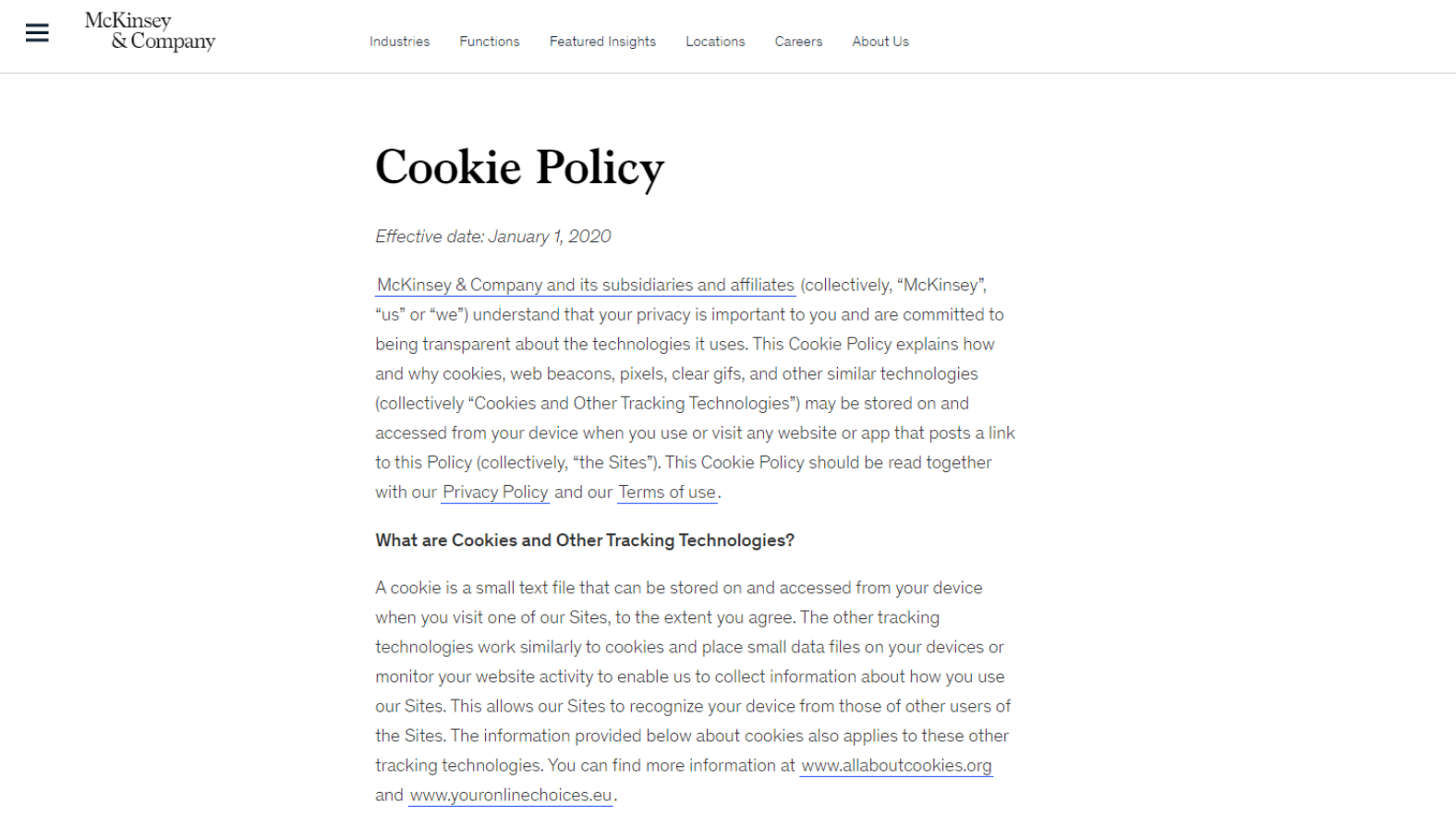
Let’s take a look at how websites implement cookie policies. McKinsey avoids legalese and describes their use of cookies and the explanation of what cookies are in the first section.
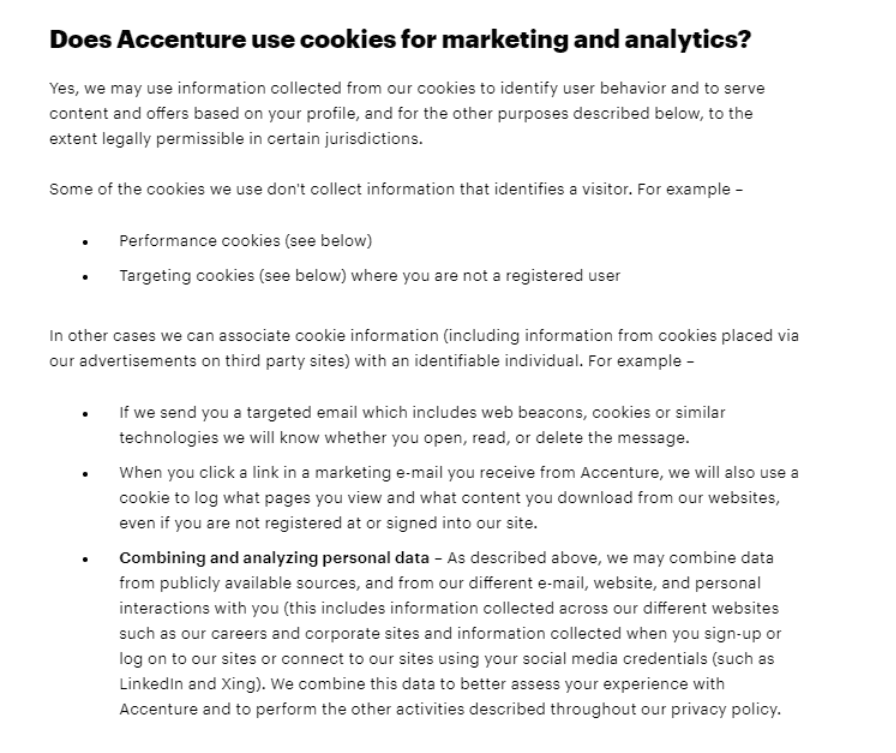
Accenture details the categories of cookies they use and how and why they are used in this section.
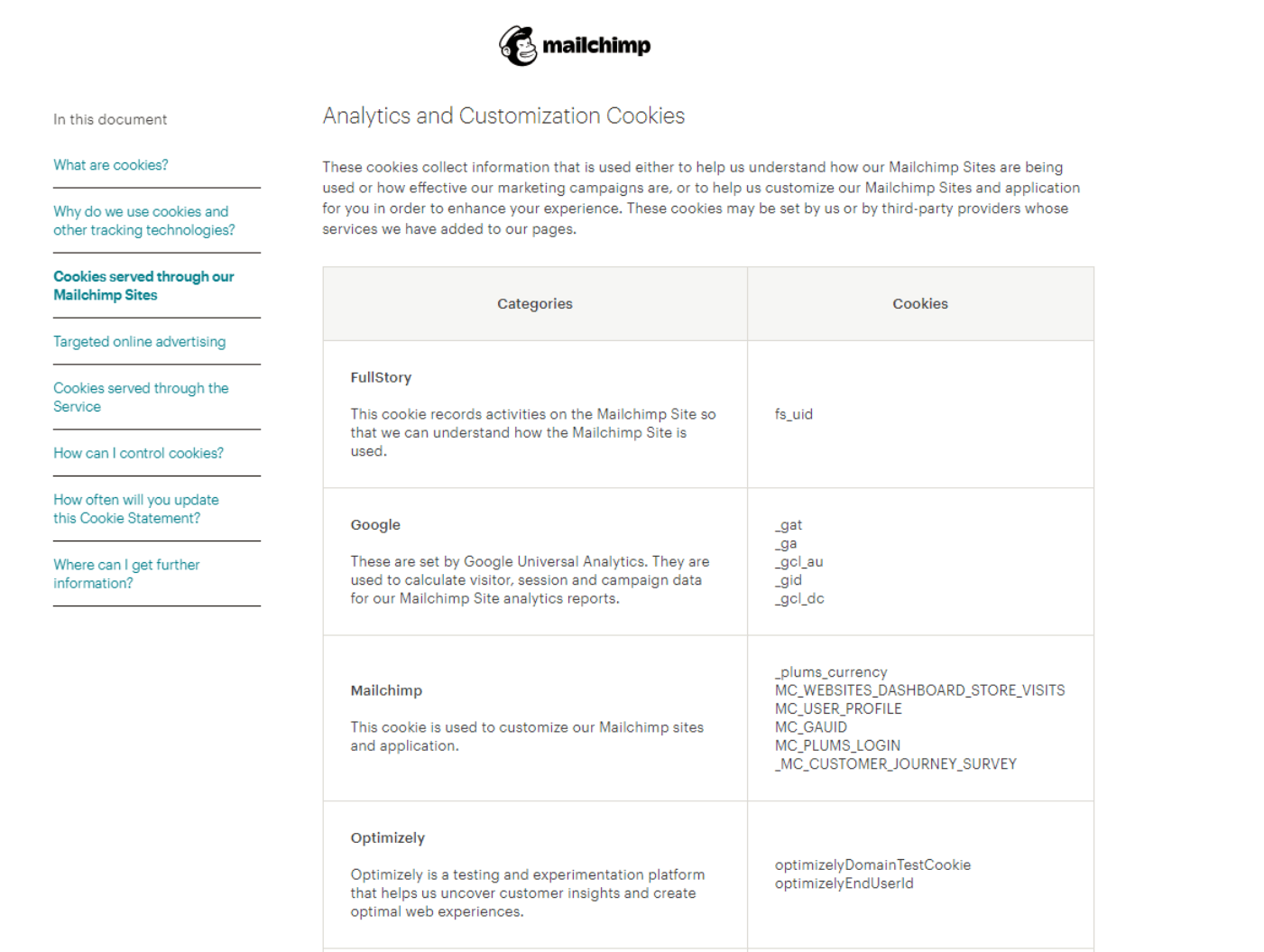
Meanwhile, Mailchimp uses a tabular format to describe the different categories of cookies being used, and for what.
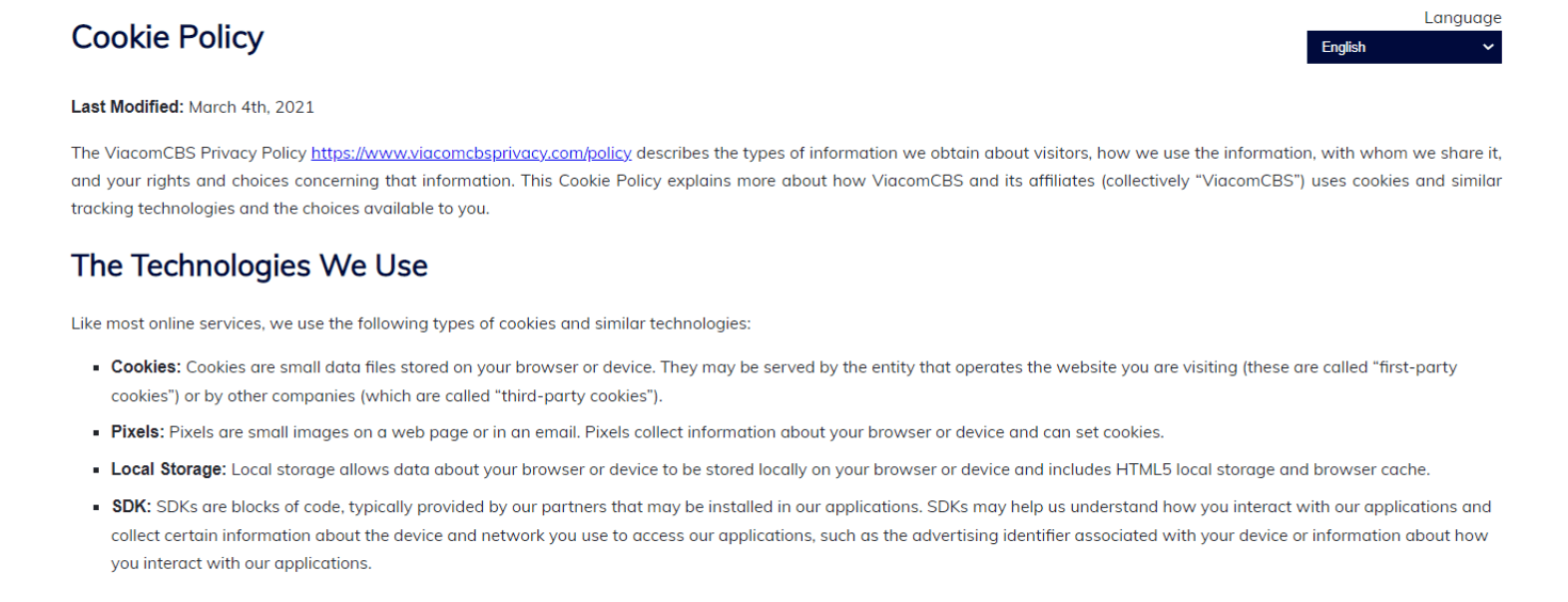
ViacomCBS details the different types of tracking technologies they use including cookies.
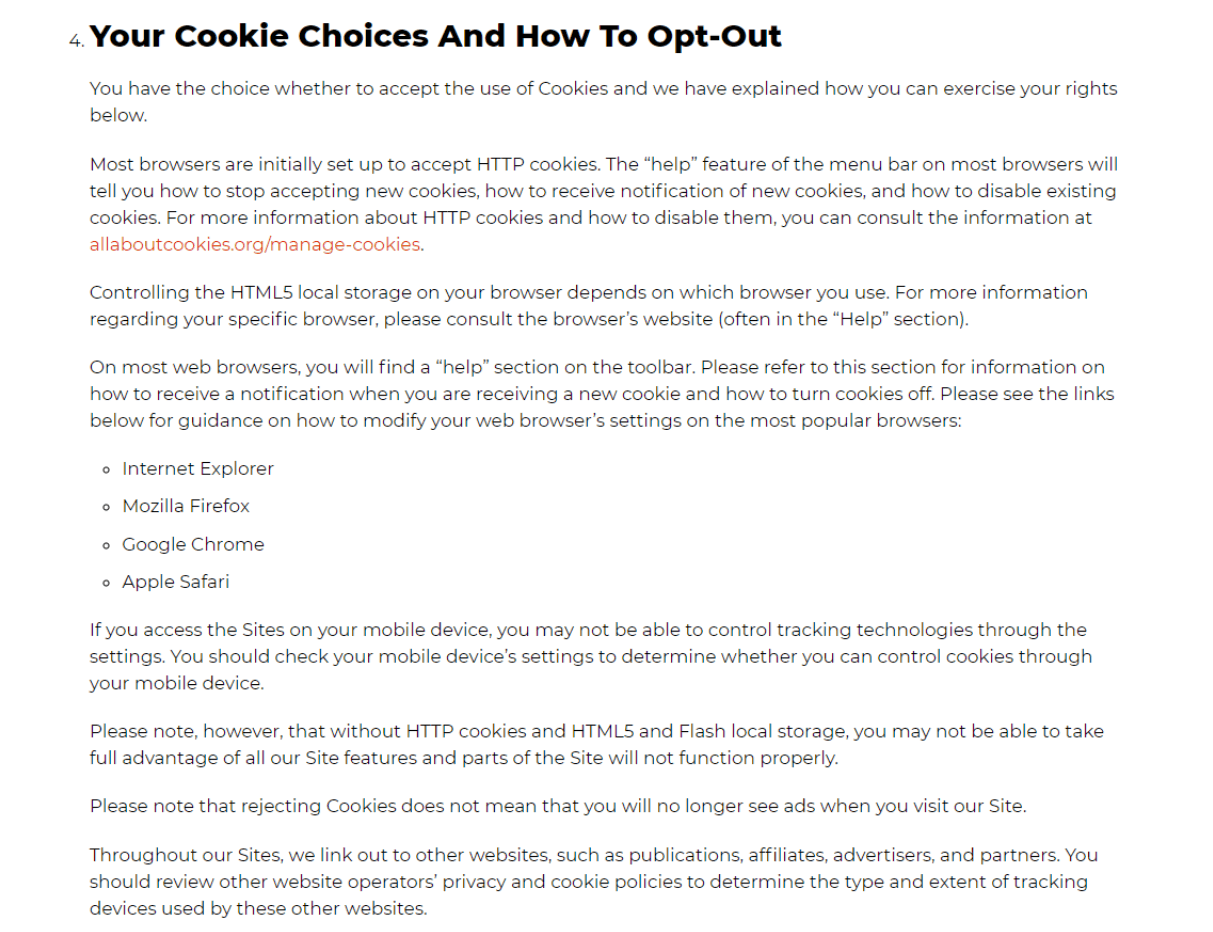
Vox Media details the choices users have regarding cookies and how users can manage or opt-out of the use of cookies.
A cookie policy is a detailed declaration about the cookies used on a website, how these cookies are used, what data they track, for what purpose, and how users can control the usage of cookies by a website. The cookie policy should also document any other types of tracking technologies that are used by a website, such as web beacons and pixel tags.
In the past, cookie usage was either not mentioned or was vaguely referred to in the privacy policy. A cookie policy circumvents this and brings information about cookies used by a website to the users. Your website’s cookie policy can be a standalone document or can be part of your privacy policy.
Cookies are small text files placed on a user’s device when they visit a website. They are used primarily to enable sites to operate perfectly. Some cookies are used to collect data from users for personalized, targeted ads, tracking user behaviour, etc.
Cookies can be first-party or third-party cookies. First-party cookies are owned and created by the website you’re browsing. Third-party cookies are owned and created by a third party, usually another business providing a service to the website owners such as Facebook, YouTube, Google Analytics, Hotjar etc.
Websites cookie policy, like privacy policy, is added on websites to make users aware of how a website collects their information and provide transparency regarding how their personal data is used. As almost all websites use cookies to collect data about their users, cookies and online identifiers are considered as part of personal data by privacy laws like the GDPR, CCPA, LGPD, CNIL, and so on. Hence a cookie policy is a legal requirement so that users can exercise their right to be informed about the processing of their personal data.
A cookie policy generator is a tool that can help you create a cookie policy for your website. A cookie policy generator should be able to scan your website, identify and categorize cookies and generate a cookie audit table.
CookieYes cookie policy generator is a free tool that provides a cookie policy template with a detailed cookie audit table. You can customize the content as per your needs or use the default cookie policy template for a comprehensive cookie policy for your website.
Yes, a cookie policy is a legal requirement if you process data of your website visitors who are from the EU/EEA and the UK, to comply with the GDPR and UK GDPR, respectively. Websites are required to have disclosures on what personal data they process and the purposes for processing.
As cookies are part of personal data in the GDPR, websites should disclose their use on their website. You can include the disclosure about cookies within your privacy policy or publish it as a standalone cookie policy.
Your cookie policy should tell your website visitors what cookies are, the cookies you use, their purposes and how they can change or set their cookie preferences.
Here’s how to write your cookie policy:
What are cookies – an explanation of what cookies are
How do you use cookies – a disclosure of why your website uses cookies
Types of cookies you use – a complete list of cookies classified based on cookie categories.
How to manage cookie preferences – describe how users can change their cookie preferences or provide a ‘cookie settings’ button to display your cookie banner easily.
You can tailor your cookie policy and add more details specific to your website and It’s always a good idea to consult with legal professionals to ensure compliance and accuracy.
To easily create an effective cookie policy, you can use our free cookie policy generator which features an in-built cookie policy template.
Yes, the General Data Protection Regulation (GDPR) requires websites that use cookies to have a cookie policy. To comply with the GDPR, websites must obtain informed and explicit consent from users before placing any non-essential cookies on their devices.
A cookie policy is essential in providing clear and transparent information to users about the types of cookies used, their purpose, and how users can manage or disable them.
The consent policy for cookies refers to the process of obtaining user consent before placing cookies on their browser/devices. This is a key requirement to comply with privacy regulations such as the GDPR.
Here’s how to implement a consent policy for cookies:
Deploy a cookie banner: Display a cookie banner or popup when a user visits your website. Provide clear and concise information about cookies and request their active consent before setting cookies on their browsers.
Publish a cookie policy: Generate a cookie policy with a detailed disclosure about the types of cookies used, their purpose, and any third-party cookies involved. Link the policy page to your cookie banner so that users are informed about what data is collected, how it is used, and who has access to it.