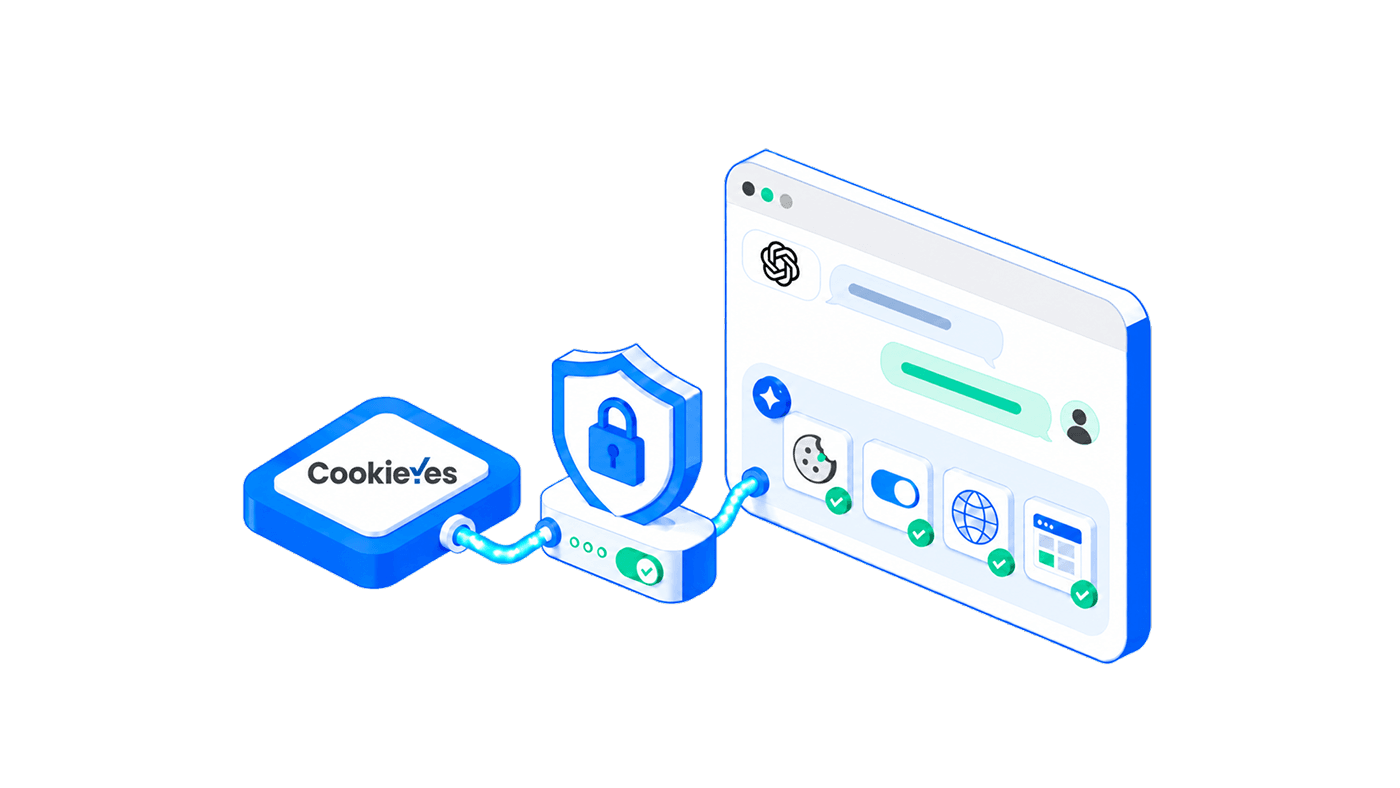
The CookieYes ChatGPT MCP server is live, and CookieYes is now listed in ChatGPT's plugin directory. Search for CookieYes, install the plugin, and you can check whether a banner is live, run a cookie scan, or restyle a consent banner by asking. There is no server URL to paste and no configuration file to edit. It works on every CookieYes plan, including the free one.
Key takeaways
- CookieYes is listed in ChatGPT's plugin directory, so you install it by name with no MCP server URL to enter.
- You call it in a chat by typing
@cookieyesfollowed by your question. - It gives ChatGPT ten tools: seven read-only, and three that change your setup.
- ChatGPT sees banner configuration and scan metadata only. Personal data, consent logs, and cookie values are never exposed.
- It is free on every CookieYes plan, and the same server works in Claude, Cursor, and VS Code.
What is the CookieYes ChatGPT MCP server?
The CookieYes ChatGPT MCP server is a hosted service that lets ChatGPT act on your CookieYes account through the Model Context Protocol, an open standard for connecting AI assistants to external services. It exposes a fixed set of tools, so "is my banner live?" becomes a real lookup in your account rather than a guess.
In ChatGPT, that server arrives as a plugin. It is not a second product or a separate account, just your existing CookieYes account reachable from a window you already have open.
What can you ask ChatGPT to do?
Most consent work is checking rather than changing, and each check currently costs a login, a domain switch, and a hunt through settings. Seven of the ten tools read your configuration and change nothing. Three make changes.
| Tool | Type | Example prompt |
|---|---|---|
| list_domains | Read | "List all the sites in my CookieYes account." |
| get_website_details | Read | "Show me the CookieYes configuration for yourwebsite.com." |
| get_embed_code | Read | "Give me the installation code for my active site." |
| list_banners | Read | "What banners are set up for example.com?" |
| get_banner_status | Read | "Is the cookie banner active on yourwebsite.com?" |
| get_scan_results | Read | "What cookies and scripts were detected in the latest scan?" |
| get_compliance_status | Read | "Which privacy regulations is yourwebsite.com configured for?" |
| update_banner_colours | Write | "Change the banner colours on yourwebsite.com to match my brand." |
| update_banner_layout | Write | "Move the banner on example.com to the bottom right." |
| trigger_cookie_scan | Write | "Run a new cookie scan for example.com." |
Please note that the above prompts are just examples. You can phrase your request naturally in ChatGPT. As long as it maps to a supported CookieYes action, the MCP server can handle it.
Two things worth knowing. The compliance check returns your consent template, geo-targeting settings, and installation status, so it tells you how a site is configured rather than whether you are legally compliant, and ChatGPT says as much when it answers.
The second is that list_domains is the one that pays for itself on a portfolio. An agency with a dozen client sites can ask which of them have an inactive banner and get one answer covering all of them, instead of a dozen logins.
What ChatGPT can and cannot see
The server is deliberately narrow. It reads configuration, not people.
| ChatGPT can access | ChatGPT cannot access |
|---|---|
| Domain-level configuration and banner status | Personal data, individual consent records, and visitor data |
| Banner settings: layout, position, colours, and compliance template | Cookie values, session data, and user identifiers |
| Cookie scan metadata, such as pages scanned and the number of cookies and scripts found | Your cookie policy text, banner headings, and legal copy |
| The list of domains in your account | Billing information, credentials, and team member details |
How to add CookieYes to ChatGPT
Before you start, you need a CookieYes account, free or paid, and your account owner needs to have switched on Enable OAuth-based access under profile menu > MCP access.
- From the ChatGPT profile menu, select Settings.
- Select Plugins, then click Browse plugins.
- Search for CookieYes and select it from the results.
- Click Install plugin.
- Log in to CookieYes, review the permissions, and click Allow.
You can also install it from the Plugins entry in the sidebar, or from inside any chat using the + (Add) icon.
Once you are connected, type @cookieyes in the prompt box and ask your question, for example @cookieyes is the banner live on example.com?
CookieYes MCP Server for ChatGPT
Install our MCP server from the ChatGPT Plugin Directory and manage your CookieYes setup directly from chat.
Install CookieYes ChatGPT plugin
Setting up the MCP server for the first time?
The MCP server setup guide has step-by-step instructions for ChatGPT, Claude, Cursor, VS Code, and every other supported client.
How access and permissions work
Connecting uses OAuth 2.1 with PKCE. CookieYes issues ChatGPT a scoped access token that it uses for every tool call, so your password is never shared and there is no credential to enter by hand.
The three write tools change your live banner, so approvals matter. Since June 2026, ChatGPT lets you choose when a connected plugin asks before it acts: always, before making changes, or only before important changes. [1] Keep approval on for anything that writes, and read the call before you allow it.
Access is controlled at the account level:
- The account owner turns MCP access on. Until they do, ChatGPT cannot connect.
- Any user can check the status. An MCP enabled badge appears under Organisations & Sites when it is on.
- You can revoke access from either side, by clicking Disconnect in the CookieYes connectors list, or by removing the plugin in ChatGPT.
Availability, and where else it works
The CookieYes MCP server is available now on all account types, including the free plan, with no paid subscription required. Some tools carry plan-based limits, such as the number of cookie scans you can trigger per domain each month, etc. It currently operates in English only.
ChatGPT is not the only place it runs. The same server works with any MCP-compatible client, including Claude, Cursor, VS Code, Windsurf, Zed, and GitHub Copilot CLI, all connecting through the endpoint https://app.cookieyes.com/mcp. If Claude is where you work, the CookieYes Claude MCP server covers that setup.
Add CookieYes to ChatGPT
Install the plugin from ChatGPT's directory, or start a free CookieYes account if you do not have one yet.
Get started for free- 14-day free trial
- Cancel anytime
Frequently asked questions
What is the CookieYes ChatGPT MCP server?
The CookieYes ChatGPT MCP server is a hosted service that lets ChatGPT access your CookieYes account through the Model Context Protocol. It exposes ten tools, so you can check banner status, run cookie scans, retrieve install code, update banner styling, and review compliance configuration by asking, without opening the dashboard.
How do I add CookieYes to ChatGPT?
Open Settings, select Plugins, click Browse plugins, search for CookieYes, and click Install plugin. You can also install it from the Plugins entry in the sidebar, or from any chat using the + (Add) icon. ChatGPT then redirects you to CookieYes to log in and approve the permissions.
How do I use CookieYes inside a ChatGPT chat?
Type @cookieyes in the prompt box and follow it with your question, for example @cookieyes which of my sites have an inactive banner?. ChatGPT calls the relevant tool in your CookieYes account and answers from what it returns, so you can keep asking follow-up questions in the same chat.
Can ChatGPT change my cookie banner?
Yes, through three write tools: update_banner_colours, update_banner_layout, and trigger_cookie_scan. Changes apply to your live banner immediately. ChatGPT's permission settings control when it asks you first, and we recommend keeping approval on for write tools. The other seven tools are read-only.
Is the CookieYes ChatGPT MCP server safe to use?
Access uses OAuth 2.1 with PKCE, so your CookieYes password is never shared, and only limited configuration data is available. Personal data, consent logs, and cookie values are never exposed. An account owner must explicitly enable MCP access before any client can connect, and you can revoke access from CookieYes or from ChatGPT at any time.
Does the CookieYes MCP server work on the free plan?
Yes. It is available on all CookieYes account types, including the free plan, with no paid subscription required. Some tools have plan-based usage limits, such as the number of cookie scans you can trigger per domain each month.