Full site index for AI agents: llms.txt. Every page is also available as Markdown: replace the trailing slash with .md, so /pricing/ becomes /pricing.md. Or send the header Accept: text/markdown to the page URL itself.
Simpler, more seamless cookie consent for Shopify stores.
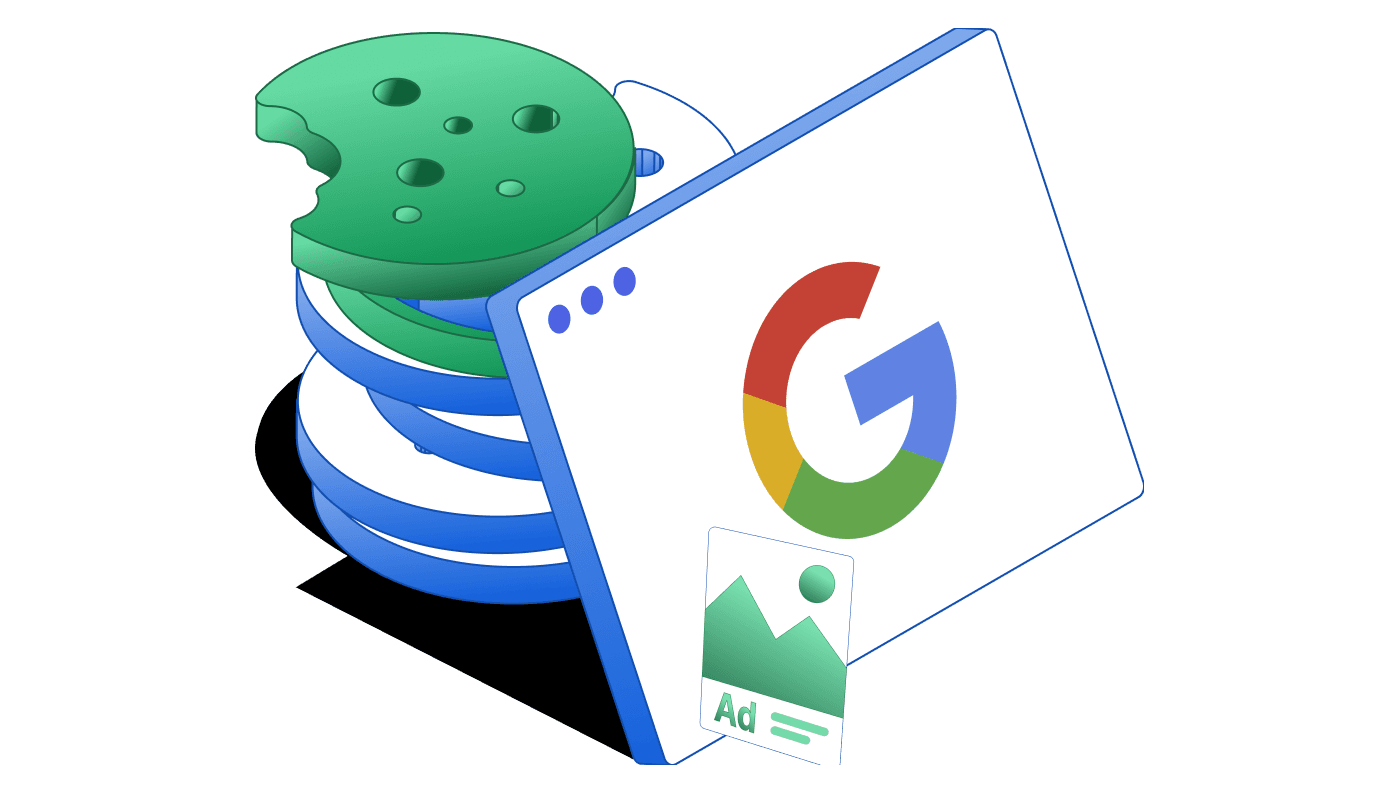
Google ads cookies and identifiers are at the heart of how Google measures ad performance, serves personalized content, and optimizes campaigns. They help advertisers understand whether their ads are working, reach the right audiences, and deliver relevant experiences. At the same time, they sit at the center of privacy regulations and compliance challenges.
In this guide, we explain everything you need to know about Google Ads cookies, such as what they are, how they work, the role of identifiers, and how businesses can remain compliant with the privacy laws.
What are Google Ads cookies?
Cookies are small text files stored by a browser. Google Ads cookies are used specifically to support advertising functions such as conversion measurement, remarketing, ad personalization, and frequency capping.
For example, when a user clicks on a Google ad, Google can store information about that click in a cookie. Later, if that same user completes a purchase or fills in a form, the cookie helps attribute the conversion back to the original ad.
Google Ads uses both first-party cookies (set on your domain via the Google tag or Conversion Linker) and third-party cookies (served from Google domains like doubleclick.net or google.com).
Store ad click information and support conversion measurement
90 days
yoursite.com (first-party)
IDE
Used for ad delivery, personalization, and measurement
13 months (EEA/UK), 24 months elsewhere
doubleclick.net
ANID
Used for advertising
13 months (EEA/UK), 24 months elsewhere
google.com
AID
Links user activity across devices for ads measurement
13 months (EEA/UK), up to 540 days elsewhere
google.com
TAID
Similar to AID; supports cross-device ads
14 days
google.com
DSID
Identifies signed-in users on non-Google sites so personalization settings are respected
2 weeks
doubleclick.net
__gads
Enables sites to show Google ads
13 months
yoursite.com (first-party)
NID
Stores preferences and personalizes ads in Google services (also used for analytics and functionality)
6 months
google.com
1P_JAR
Used for ad measurement and targeting
30 days
google.com
FPGCLAW, FPGCLGB, FPGSID
Support attribution and reporting in Google Ads
90 days
yoursite.com (first-party)
RUL
Used for advertising measurement and retargeting
12 months
doubleclick.net
YSC
Ensures requests in a browsing session are made by the user (also used for YouTube ads)
Session
youtube.com
VISITOR_INFO1_LIVE
Supports ad delivery and personalization on YouTube
180 days
youtube.com
These cookies make it possible for advertisers to track the effectiveness of campaigns, prevent click fraud, limit the number of times someone sees an ad, and improve ad delivery.
First-party vs third-party cookies
Google Ads uses both types. First-party cookies are set on your own domain through the Google tag or Conversion Linker. Third-party cookies come from domains like doubleclick.net or google.com. The same type of cookie can be served as either first-party or third-party depending on the context, and AdSense/Google Ads will use whichever is available.
Beyond cookies: identifiers and parameters
Although cookies like _gcl_aw or IDE are the main tools Google Ads uses to track and measure activity, they aren’t the whole picture. Google also uses non-cookie identifiers and parameters that work alongside cookies to improve attribution and reporting.
• Click identifiers: gclid (Google Click Identifier), gbraid, and wbraid are URL parameters added when Auto-tagging is enabled. These identifiers are stored in first-party cookies (like _gcl_aw) and help link conversions back to ad clicks.
• GAD parameters: More recently, Google introduced parameters such as gad_source and gad_campaignid. These provide aggregate information about where a click came from (e.g., Search, Display, YouTube) and which campaign generated it, without tracking individuals.
These identifiers and parameters are not cookies themselves, but they complement Google Ads cookies. Together, they ensure advertisers can measure performance accurately while meeting privacy requirements.
Why do Google Ads cookies matter?
Google Ads cookies play multiple roles in the advertising ecosystem:
Conversion tracking: They make it possible to know which clicks lead to valuable actions like purchases, sign-ups, or downloads.
Attribution: They allow advertisers to connect conversions back to campaigns and understand ROI.
Remarketing: Cookies help place users into audience lists so businesses can show them relevant ads later.
Ad personalization: Cookies allow Google to tailor ads based on user preferences and activity.
Frequency capping: Cookies prevent users from seeing the same ad too many times.
Click fraud prevention: Cookies help Google detect invalid interactions and protect advertisers from being incorrectly charged.
Without these cookies and identifiers, much of what advertisers rely on for performance optimization would either not work or become significantly less accurate.
EU User Consent Policy and Google Ads cookies
Google’s EU User Consent Policy (EU UCP) requires businesses to obtain valid user consent before storing or accessing cookies and before collecting or processing personal data for personalized advertising.
This applies to all businesses that target users in the European Economic Area (EEA), the UK, and Switzerland, regardless of where the business itself is located.
What you must do under the EU UCP?
Obtain explicit consent from users before placing advertising cookies where required by law.
Provide clear information on how data will be used, including details about Google and other vendors.
Record and manage consent, ensuring signals are passed to Google correctly.
Be prepared for enforcement as failure to comply can result in restrictions or penalties.
For publishers monetizing through AdSense, Ad Manager, or AdMob, Google requires the use of a Google-certified Consent Management Platform (CMP) integrated with the IAB Transparency and Consent Framework (TCF).
Consent Mode v2 and cookies
Google’s Consent Mode v2 is now the practical standard for sites using Google Ads in the EEA and UK. It allows Google tags to adjust behavior based on user consent while still enabling measurement through modeled conversions.
When consent is denied, Google tags send limited pings without storing cookies, and missing data can be modeled. When consent is granted, cookies work normally, enabling full measurement and remarketing.
Key benefits of Consent Mode include:
Regulatory compliance with consent requirements in the EEA and UK.
More accurate measurement by modeling conversions that would otherwise be lost.
Flexibility to automatically adjust tracking if users change their consent preferences.
Enhanced Conversions and first-party data
To further improve measurement, Google introduced Enhanced Conversions, which uses hashed first-party customer data (like email or phone numbers) at the point of conversion.
This data is SHA-256 hashed before leaving your site, ensuring privacy and security. It improves match rates, helps optimize bidding, and increases accuracy even when cookies or click IDs are missing.
Server-side tagging can also be used alongside Enhanced Conversions to make cookie-based tracking more reliable. By routing events through your own server (for example, with Google Tag Manager Server), first-party cookies like _gcl_aw are passed to Google Ads in a more durable and privacy-compliant way.
When combined with Consent Mode, Enhanced Conversions ensures advertisers can retain as much accuracy as possible while respecting privacy.
The future of cookies in Chrome
Google originally planned to phase out third-party cookies in Chrome by 2024. Later, this shifted to a user-choice model: instead of removing third-party cookies entirely, Chrome now gives users more control over whether cookies are allowed.
At the same time, Google is rolling out Privacy Sandbox APIs to support privacy-preserving advertising. These include:
The practical takeaway is clear: don’t assume cookies will vanish overnight, but build systems that rely on first-party data and privacy-safe APIs.
Best practices for implementing Google Ads cookies
Audit your current setup
Check which Google tags (Ads, Analytics, YouTube) are firing on your site.
Ensure the Conversion Linker tag is present to store identifiers first-party.
Adopt a CMP with Consent Mode support
Publishers in the EEA/UK monetizing with Google must use a Google-certified CMP.
Advertisers should ensure their consent tool can pass signals (ad_storage, analytics_storage, ad_user_data, ad_personalization).
Verify Consent Mode setup
Set default consent states before tags fire.
Use Google’s Consent Debugger to check that all four signals are being passed correctly.
Enable Enhanced Conversions
Implement hashing of first-party data (email, phone) on your site.
Send this securely with conversion events to improve attribution and bidding.
Keep your cookie policy updated
Use Google’s official cookie directory to disclose cookies accurately.
Clearly explain purposes, lifespans, and whether they are first- or third-party.
Prepare for regulatory enforcement
Store consent logs and ensure your processes meet GDPR and ePrivacy standards.
Train teams to understand what modeled conversions mean for reporting accuracy.
How CookieYes helps with Google ads cookies?
Managing Google ads cookies and staying compliant with laws like the GDPR can be complex, especially when working with Google Ads. This is where CookieYes makes it simple.
Automatic cookie scanning: Detects and categorizes Google Ads cookies on your site.
Customizable consent banner: Lets you easily obtain and record valid consent before advertising cookies are stored.
Seamless Consent Mode integration: CookieYes supports Google’s Consent Mode, ensuring that Google Ads tags adapt automatically based on user choices.
Accurate cookie policy: Automatically generates and updates a cookie policy that lists all advertising cookies with their purpose and lifespan.
With CookieYes, you can confidently run Google Ads campaigns knowing your site is transparent, compliant, and optimised for both performance and privacy.
Google Ads cookies remain central to digital advertising. Even as browsers and regulators push for stronger privacy, Google continues to adapt with solutions like Consent Mode, Enhanced Conversions, and Privacy Sandbox APIs.
FAQs about Google Ads cookies
Do you still need Consent Mode if third-party cookies remain in Chrome?
Yes. Consent Mode is about compliance and adapting tracking to user choices. It ensures measurement works even when consent is not given.
Which consent signals matter for Google Ads?
All four signals in v2: ad_storage, analytics_storage, ad_user_data, and ad_personalization.
What happens if a user refuses cookies?
Tags will send limited, cookieless pings. Google uses modeled conversions to estimate lost data. Remarketing and personalized ads will be disabled.
Is a certified CMP required?
Yes, for publishers using AdSense, Ad Manager, or AdMob in the EEA/UK. Advertisers are strongly advised to use one as well.
Which cookies should you list in privacy or cookie policy?
List all cookies that your site sets, including _gcl_* cookies, IDE, and any related identifiers, with their purpose and lifespan.
Shreya is the Senior Content Writer at CookieYes, focused on creating engaging, audience-driven blog posts and related content. Off the clock, you’ll find her happily lost in the world of fiction.