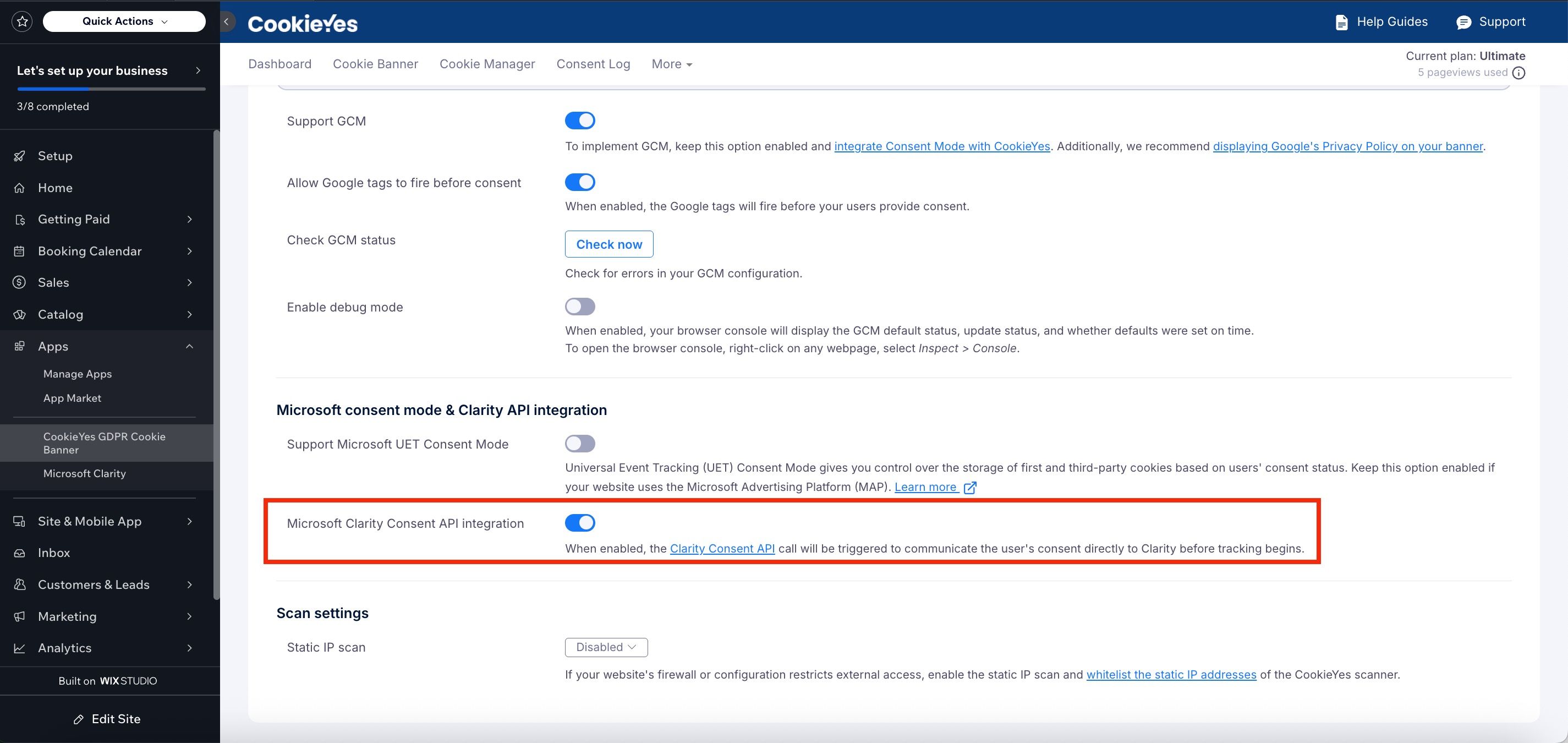
Yes, CookieYes supports the Microsoft Clarity Consent API on Wix. This integration ensures that Clarity will only record user sessions after consent is obtained, helping you stay compliant with privacy laws.
Ensure that Microsoft Clarity is installed on your Wix site, either via the Wix App Market or by manually adding the Clarity tracking code and that your site is connected to a Clarity project.
Follow the steps below to enable Microsoft Clarity in CookieYes:
- From your Wix dashboard, go to Apps > CookieYes GDPR Cookie Banner.
- Navigate to More > Advanced Settings > Microsoft consent mode & Clarity API integration.
- Enable the Microsoft Clarity Consent API integration option.