
To enable extra pageviews in Cookieyes, follow the steps below:
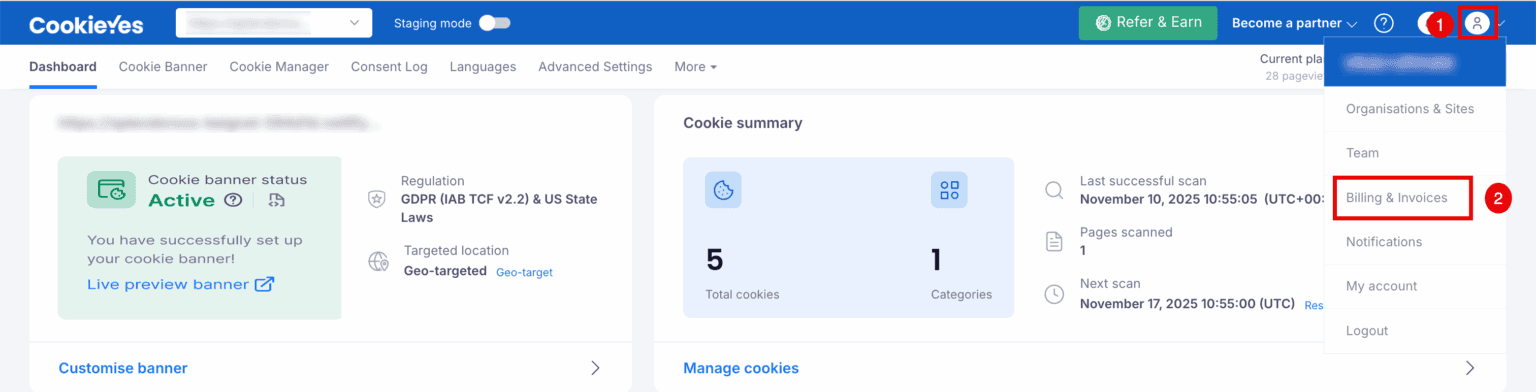
In the CookieYes Dashboard, navigate to the Profile icon in the top-right corner and click Billing & Invoices from the drop-down.
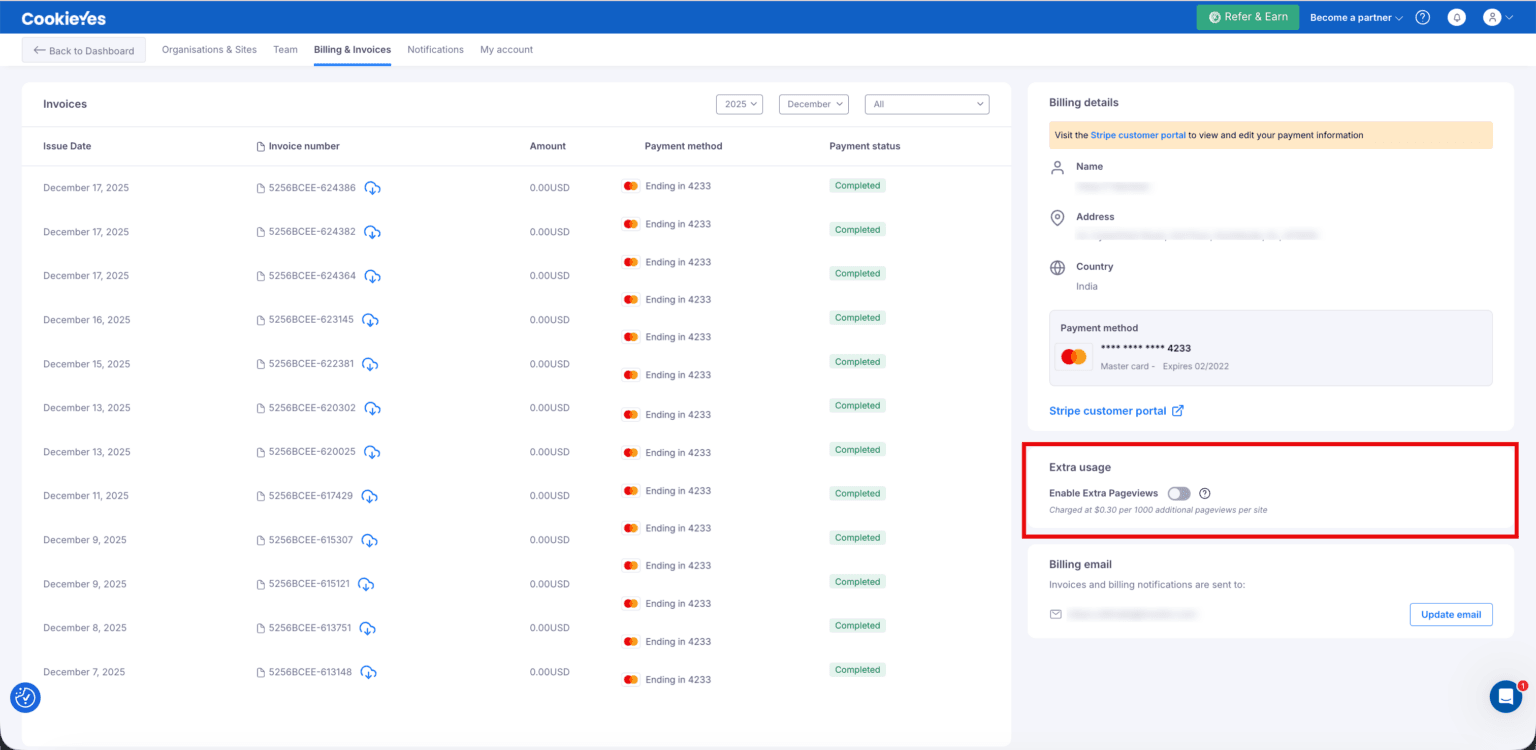
On the Billing & Invoices page, go to the Billing Details panel on the right and scroll to the Extra usage section. Toggle Enable Extra Pageviews to the On position.
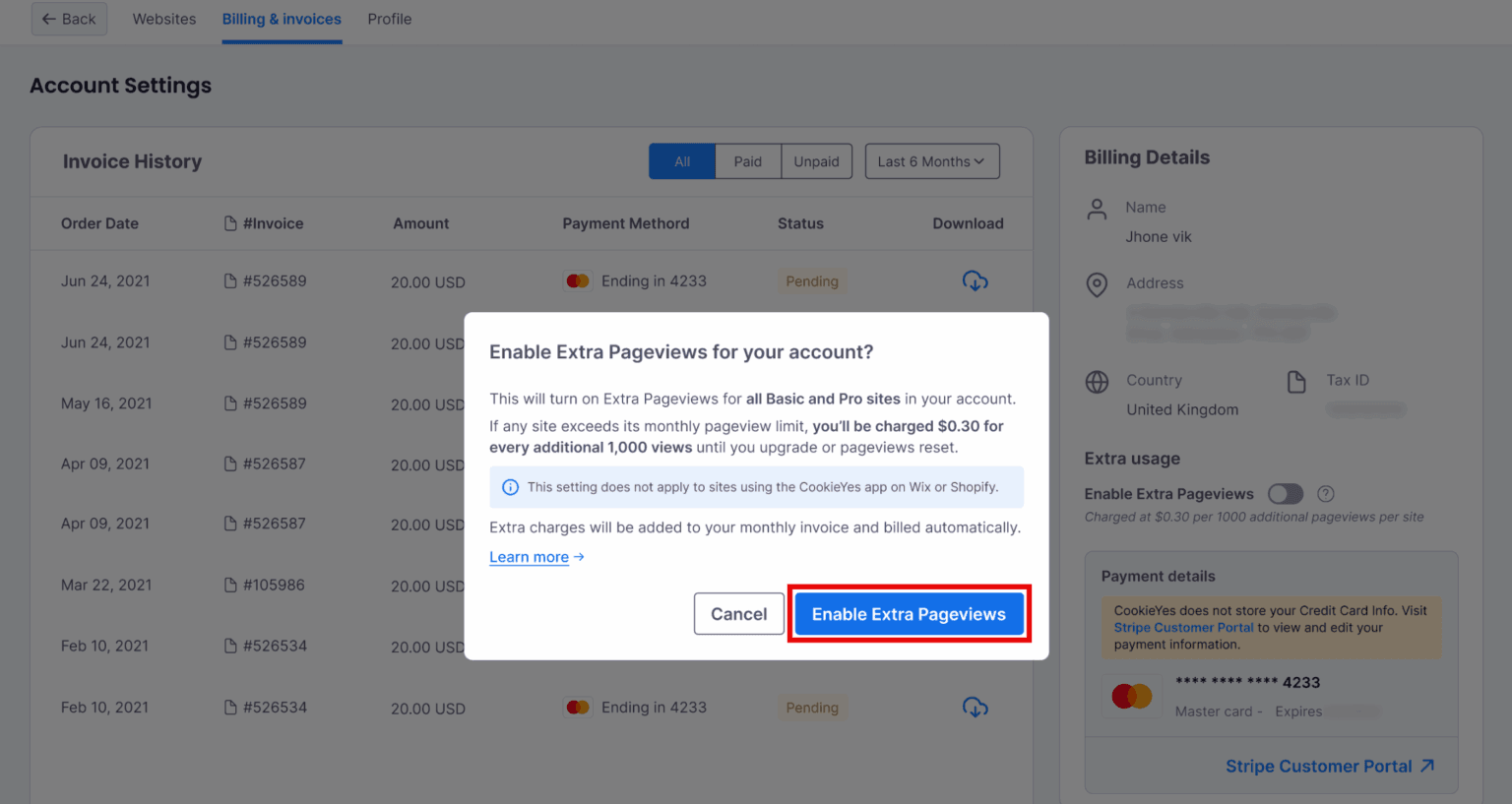
A confirmation window will appear with the pricing and usage details. Click Enable Extra Pageviews to proceed.
Note
Extra Pageviews are billed at $0.0003 per pageview per site once the monthly limit is exceeded.